🎟️ What Is the BingoPlus Voucher Code?
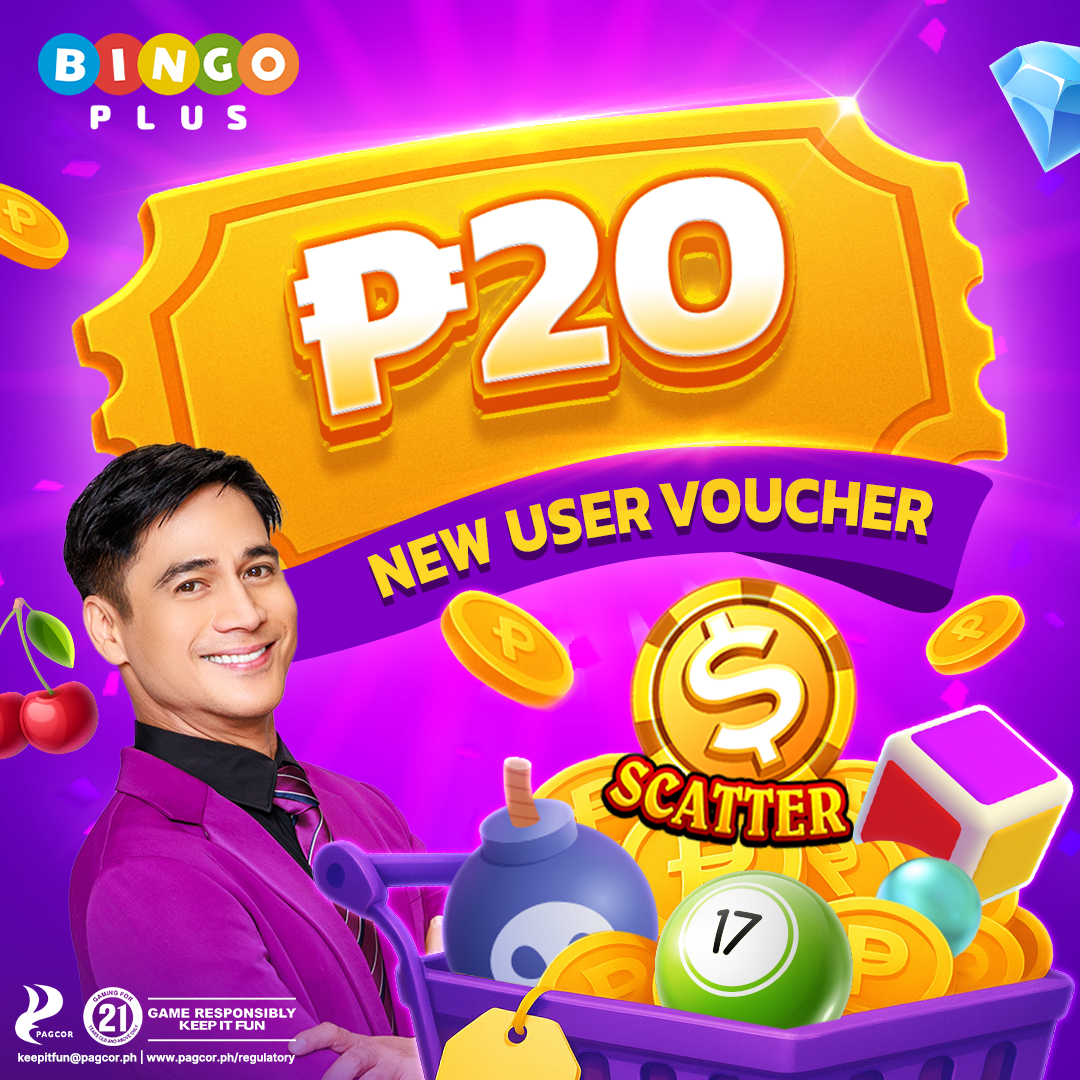
The BingoPlus voucher code is a special promotion that allows new users to claim a free ₱20 credit to use on their favorite BingoPlus games. This voucher can be used to try games like slots, bingo, and live table games without needing to make an initial deposit, providing a risk-free way to explore the platform and potentially win real prizes.
This promo is part of BingoPlus’ efforts to welcome new players in the Philippines, making it easier to get started with online gaming while ensuring players understand the platform’s features and game variety before committing to their first deposit.
📝 Who Is Eligible for the Free ₱20 Voucher?
To be eligible for the free ₱20 BingoPlus voucher, you must meet the following criteria:
- Click the link for the first time to register for bingoplus
- Be at least 21 years old to comply with PAGCOR regulations in the Philippines.
- Have a valid mobile number and email address for verification.
- Not have previously claimed any welcome bonus on the BingoPlus platform.
Eligible users can claim their voucher immediately after successful registration and verification of their account, ensuring a smooth process from sign-up to first gameplay.
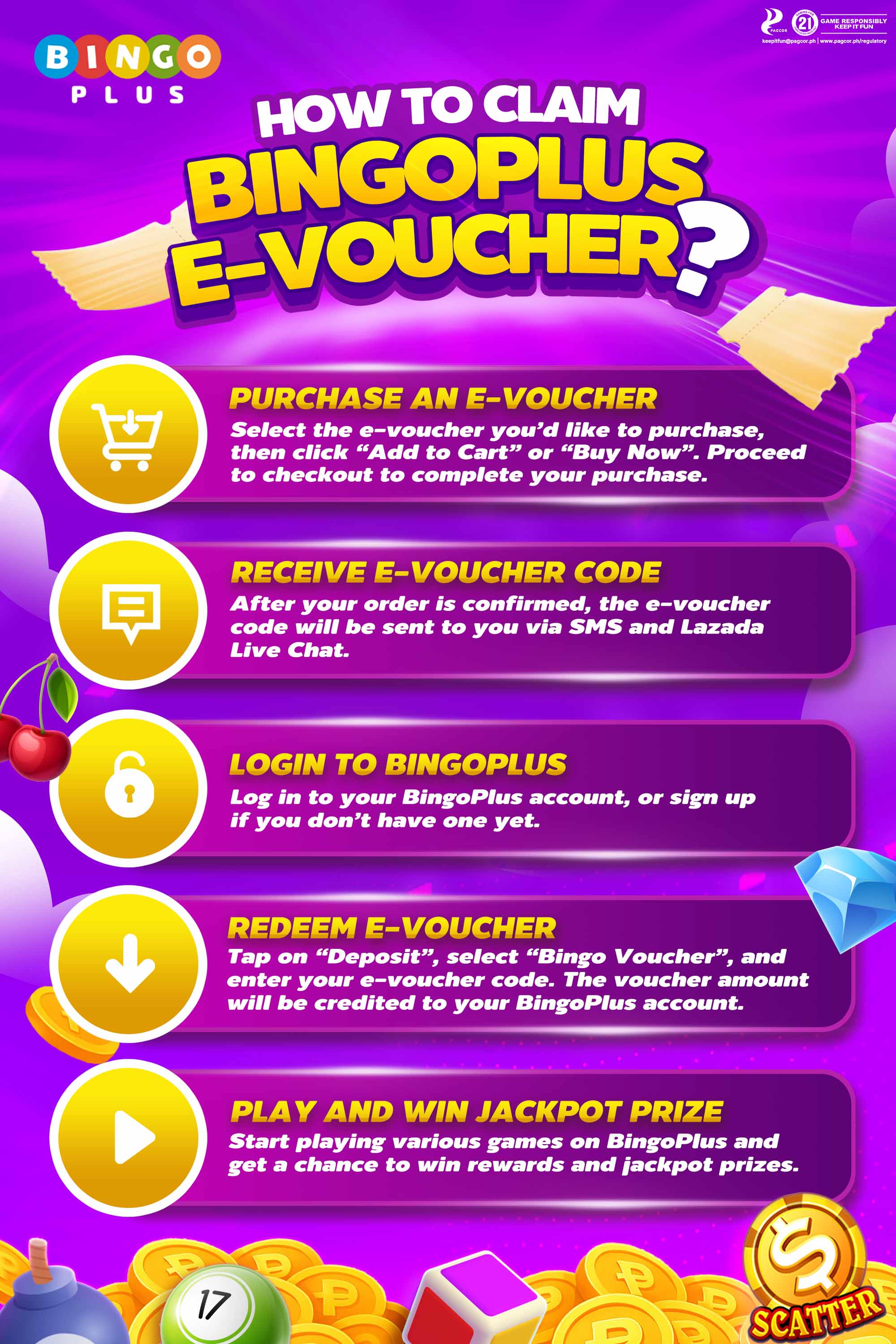
💡 How to Claim Your Free ₱20 BingoPlus Voucher
Follow these step-by-step instructions to claim your free ₱20 voucher and start playing:
- Visit the official BingoPlus website and click on the “Register” button.
- Fill in your basic details including your name, mobile number, and email address.
- Verify your account using the OTP sent to your mobile number or email.
- Once verified, log in to your BingoPlus account and navigate to the “Promotions” section.
- Find the Free ₱20 Voucher promo and click on “Claim Now.”
- Your ₱20 voucher will be credited automatically to your gaming wallet, ready for immediate use.
It’s that easy! You can now use your voucher to explore a variety of games on the platform, experiencing BingoPlus without making a deposit.

📈 Tips to Maximize Your Voucher Benefits
To make the most out of your free ₱20 BingoPlus voucher, consider these practical tips:
- Start with low-bet games such as penny slots and low-stakes bingo cards to maximize playtime.
- Read the terms of each game to understand payout rates and strategies before spending your voucher.
- Use your voucher strategically by testing different game types to find what you enjoy most.
- Keep track of any winnings from your voucher and check the wagering requirements for withdrawals.
- Take advantage of additional BingoPlus promotions after using your voucher to extend your gameplay without additional deposits.
🚀 Start Playing with Your Free Voucher Now
Don’t miss this opportunity to start your BingoPlus journey with a free ₱20 voucher. This offer allows you to explore the platform, try out various games, and even win real money without spending your own funds.
Register on BingoPlus today, claim your voucher, and dive into a fun and rewarding gaming experience. Whether you love bingo, slots, or live table games, your free voucher is your ticket to the world of online gaming excitement in the Philippines.
Click here to register and claim your free ₱20 BingoPlus voucher now.