Slots 1.5% Cashback
Perya
Cards
Casino
Arcade
Loteria
Sports

BingoPlus KYC Update Identity

As the premier licensed gaming provider in the Philippines, BingoPlus ensures full regulatory compliance, data privacy, and member asset protection. Completing your Know Your Customer (KYC) identity verification unlocks seamless withdrawal privileges, elevated account security, and personalized customer care.

Why KYC is Essential (Compliance & Security)

Know Your Customer (KYC) is a mandatory regulatory standard mandated by the Philippine Amusement and Gaming Corporation (PAGCOR) and the Anti-Money Laundering Council (AMLC). It is legally required for all accredited digital gaming operators under the Republic Act No. 9160 (Anti-Money Laundering Act).

The primary purpose of KYC verification is to establish legitimate identity, eradicate fraudulent account duplications, prevent underage gambling (strictly prohibiting individuals below 21 years of age), and secure players' financial transactions from identity theft.

Key Authority Note: A fully verified account guarantees unhindered withdrawal limits, protects wallet balances against unauthorized account takeovers, and ensures expedited dispute resolutions.

Required Documents for Verification

BingoPlus accepts primary government-issued identification cards. Submitted documents must be valid (unexpired), clear, fully legible, and completely uncropped.

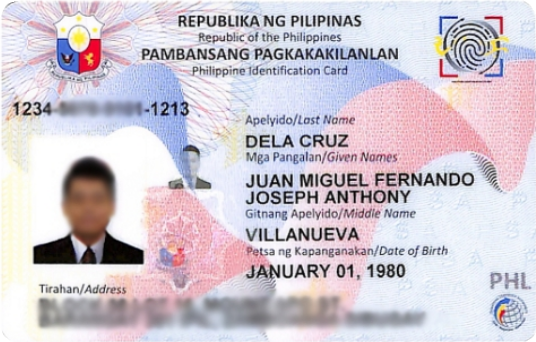
National ID
National ID Accepted
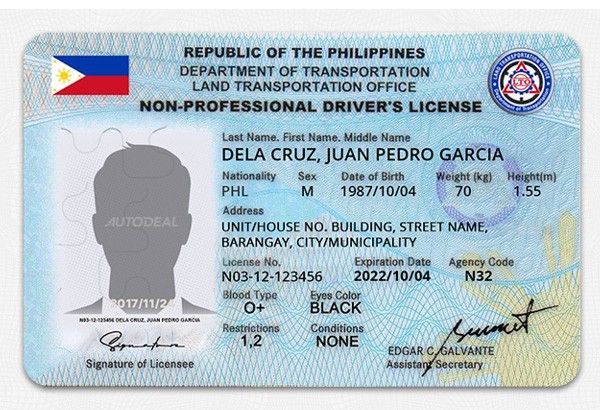
Driver's License
Driver's License Accepted
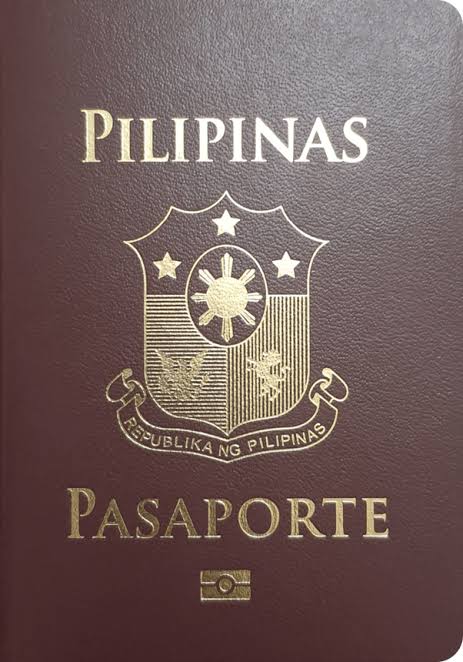
Philippine Passport
Philippine Passport Accepted
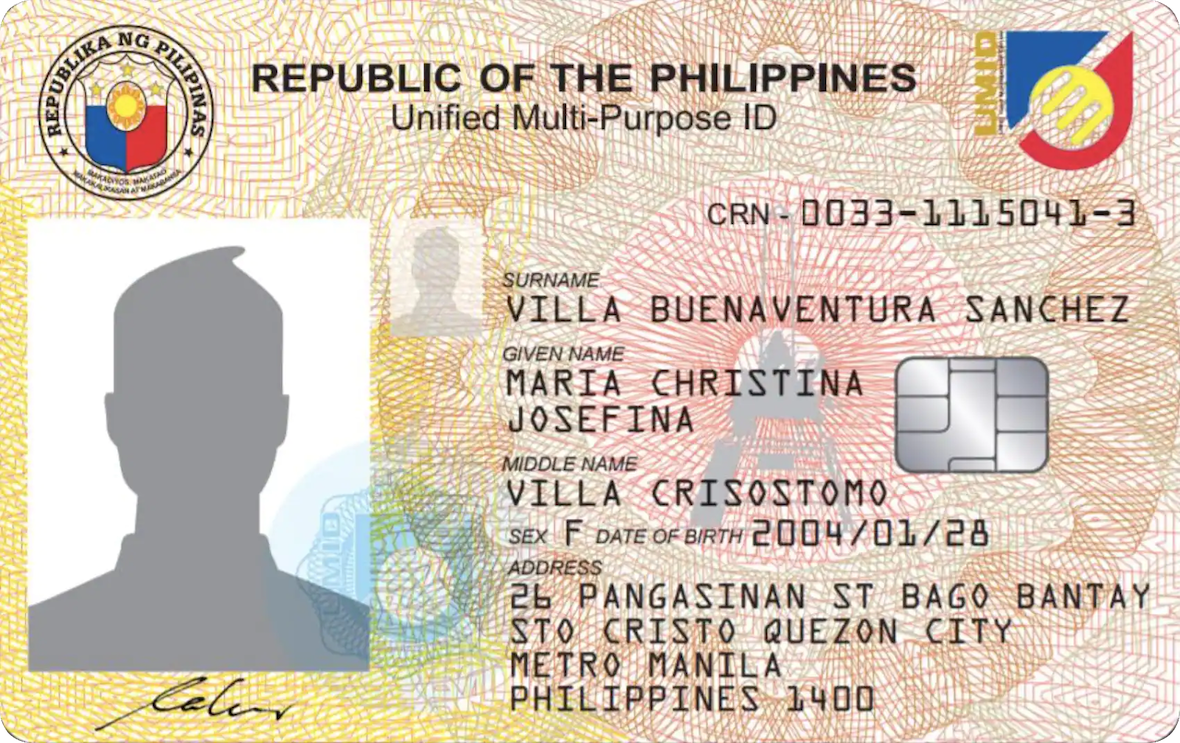
UMID Card
UMID Card Accepted
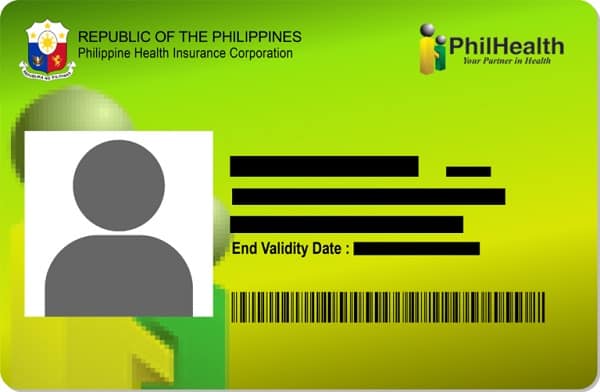
PhilHealth ID
PhilHealth ID Accepted
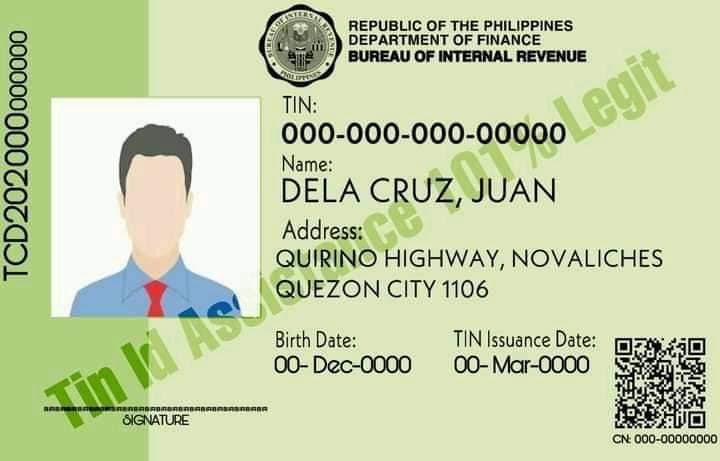
TIN ID
TIN ID Accepted
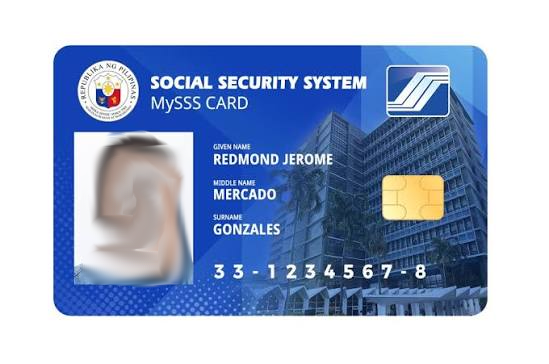
SSS Card
SSS Card Accepted
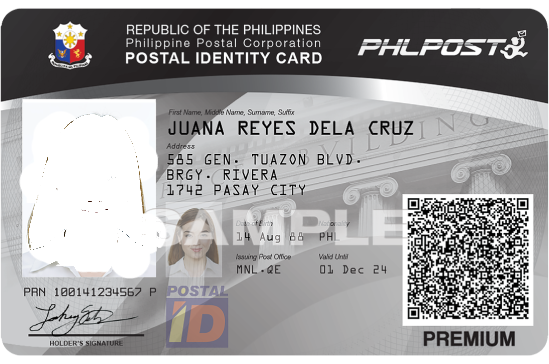
Postal ID
Postal ID Accepted
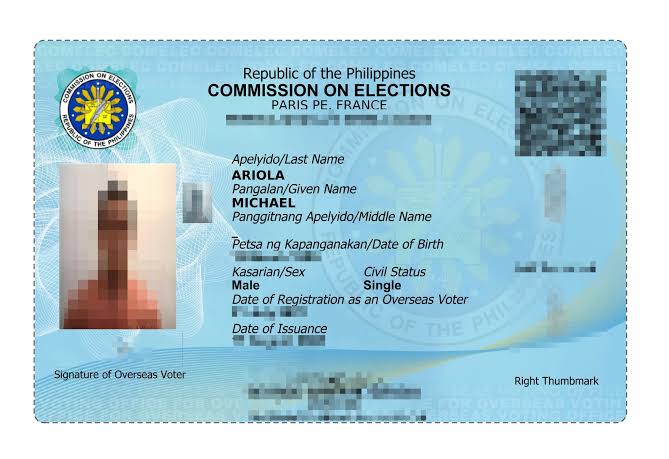
Voter's ID
Voter's ID Accepted
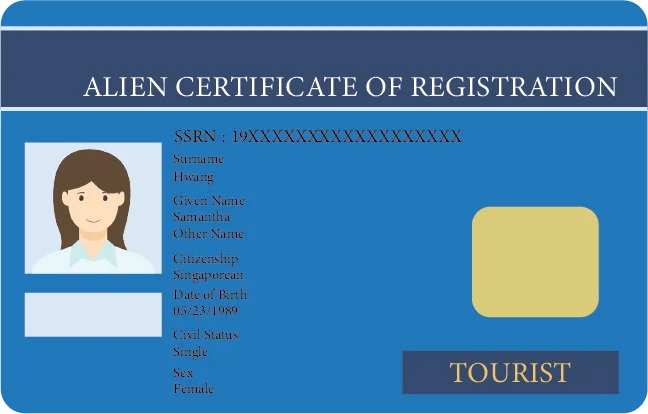
ACR I-Card
ACR I-Card Accepted

Step-by-Step Guide to Completing KYC

Follow this standardized, real-time operational workflow inside the BingoPlus app:

1

Navigate to Verification Center

Launch BingoPlus, tap the Account tab in the bottom menu, and select KYC Settings.

2

Select Your ID Type

Choose your corresponding valid government ID from the drop-down selector and input your registered legal full name.

3

Capture High-Resolution Photos

Upload clear front and back photos of your ID against a flat neutral background. Ensure no glare, reflections, or digital filters.

4

Complete Liveness Facial Selfie

Perform the automated selfie scan under bright lighting to match your live facial features with your ID picture.

5

Automated & Manual Review

Submit your application. Approvals are typically completed within 5 to 30 minutes.

Data Privacy and Information Security

BingoPlus treats player information with utmost confidentiality. All biometric and identity records are governed by the Data Privacy Act of 2012 (Republic Act No. 10173) of the Republic of the Philippines.

Your sensitive documents are encrypted in transit via TLS 1.3 cryptographic protocols and stored in isolated servers utilizing military-grade AES-256 encryption. Data is accessible solely to authorized compliance officers and is strictly never sold or shared with commercial third parties.

Troubleshooting and Support

If your submission encounters delays or is flagged, review the typical verification criteria:

• Document Clarity: Blurry, cropped edges or low-resolution images will trigger automated rejection.
• Name Discrepancies: Your profile registered name must identically match your submitted government card.
• Expired IDs: Expired credentials cannot be processed. Please use a secondary valid card.

For direct assistance, open your BingoPlus client and initiate live chat support with our 24/7 dedicated customer service representatives by typing "talk to agent".

Frequently Asked Questions

To change your account information, please specify which detail you wish to update. Here are the available options:
  • Email Address: Go to Account > Account Security. Tap your current email to verify via code, then enter and verify the new address.
  • Password: Navigate to Account > Account Security > Login Password or Wallet PIN. Verify via SMS code to set a new password.
Here are the common reasons why a KYC application can be rejected: the ID or information is invalid, expired, blurry, incomplete, or doesn't match your profile details.

If the Submit button is still available, please re-enter your details and submit a new copy of your ID and selfie. If the button is no longer visible, connect with us by typing "talk to agent" or "live agent".
To reset your forgotten password, please follow these steps:
  • Click the "Forgot Password" option on the login screen to begin the reset process.
  • Important: If you have made 3 consecutive incorrect attempts, you must wait exactly 10 minutes before submitting a new reset request.
If you are unable to proceed or need further assistance, please let us know so we can guide you to our support team.
To complete or verify your account and enjoy full access to our services, please follow these steps:
  1. Go to Account tab > KYC Settings.
  2. Upload a clear, high-resolution photo of your valid government-issued ID.
  3. Make sure that all details on your ID, including your name, photo, and date of birth, are clearly visible and readable.
  4. Ensure that the image is not blurred, covered, or affected by glare or shadows. Once submitted, please wait for your KYC verification to be processed.
Here are the acceptable valid IDs:
Passport; National ID (Digital/PBC, front and back); Driver's License (Digital/PBC); Postal ID; UMID; PhilHealth ID; NBI (National Bureau of Investigation Certificate); Voter's ID; TIN ID (Digital/PBC, front and back); OFW (Overseas Filipino Worker) ID; SSS; Senior Citizen Card; Alien Certificate of Registration / Immigrant Certificate of Registration; Seaman's Book; Firearms License issued by the Philippine National Police; Integrated Bar of the Philippines ID.