
Before You Try to Sign In Again
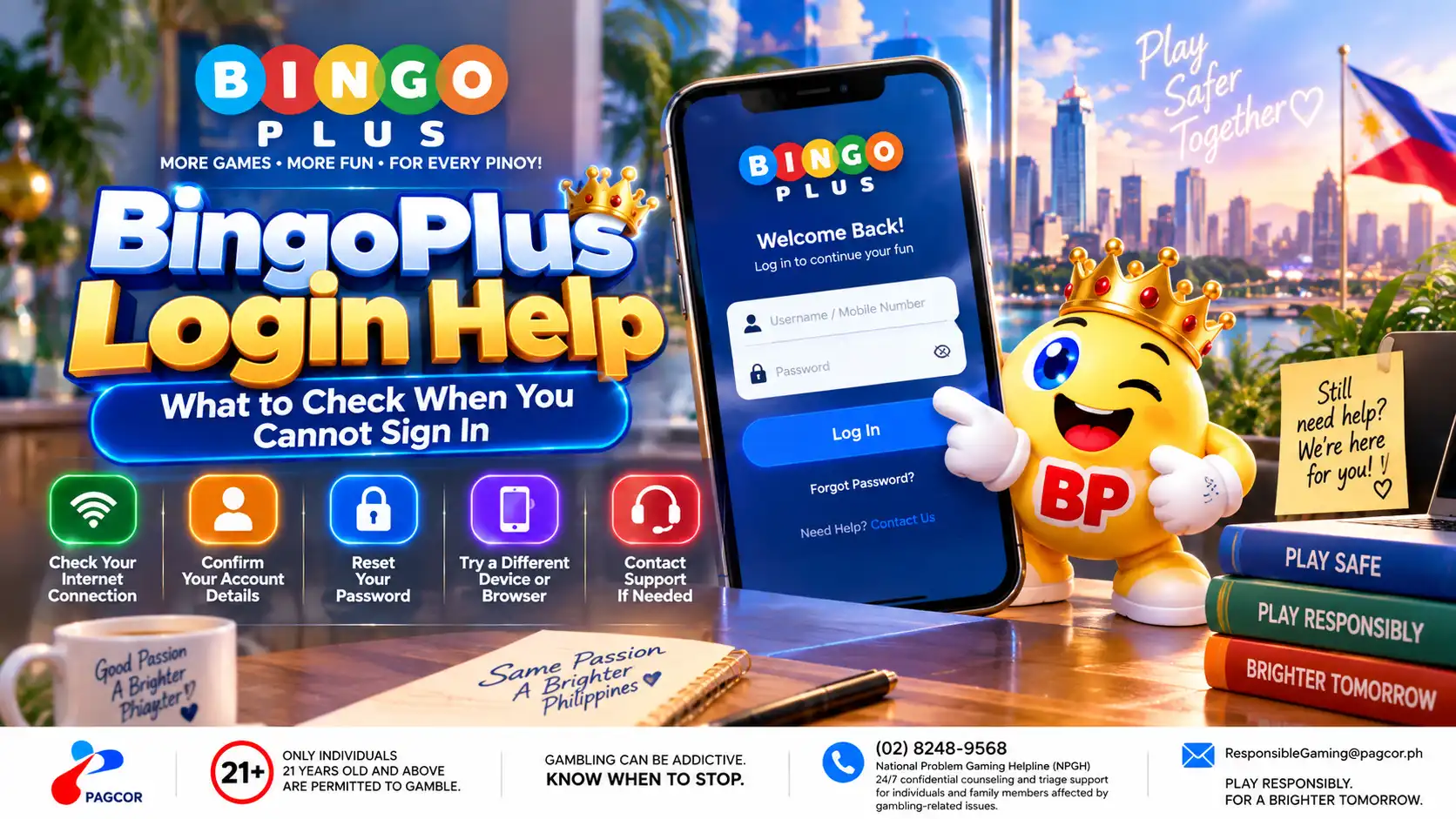
If BingoPlus does not let you sign in, the problem does not always mean there is something wrong with your account. A failed sign-in can also be caused by an incorrect access route, outdated browser data, a temporary connection problem, incomplete verification, or information entered incorrectly.
Start with the simplest checks before repeatedly submitting your login details.
Confirm that you are using an official BingoPlus access route.
Check that your mobile number or other account information is entered correctly.
Make sure your internet connection is stable.
If a verification code is required, use the most recent code sent to you.
Avoid repeatedly requesting codes or submitting the form in rapid succession.
Check whether your browser allows the cookies and JavaScript required for the sign-in process.
If the page appears unusual, asks for information you do not normally provide, or uses an unfamiliar domain, do not continue entering account credentials. Return to a verified BingoPlus access point first.
Check the Official BingoPlus Access Route
Before troubleshooting your password or verification code, confirm that you opened BingoPlus from an official access point.
A copied link, old bookmark, search result or link received through a message may lead somewhere different from the page you intended to visit. Check the domain before entering your mobile number, password, PIN or verification code.
If the address looks unfamiliar, the page design appears different from what you normally see, or the browser displays a security warning, close the page rather than continuing to sign in.
Return to the BingoPlus official website or an access route listed on the Official Access page. Never send your password, PIN or one-time verification code to another person.
Check Your Sign-In Details and Verification Code
If you are on the correct page but cannot sign in, check the information entered in the form before requesting another verification code.
Make sure the mobile number or account identifier belongs to the BingoPlus account you are trying to access.
Check for typing errors, extra spaces or incorrect characters.
If a password is required, enter it manually rather than relying on outdated browser autofill.
If you receive a one-time verification code, use the most recent code sent to you.
Do not reuse an older code after requesting a new one.
Allow a reasonable amount of time for an SMS or verification message to arrive before requesting another.
Repeated requests can result in several codes arriving close together. In that situation, older codes may no longer be valid.
Never provide a verification code, password or PIN to someone claiming that they need it to complete the sign-in process for you.
What to Do After Repeated Sign-In Failures
If the problem continues after checking the official access route, account information, verification process, browser and connection, avoid repeatedly attempting to sign in.
Take note of the error message shown on the screen and when the problem occurred. This information can help support identify whether the issue relates to verification, account access or a temporary technical problem.
Use an official BingoPlus support channel for further assistance. Do not post account credentials, passwords, PINs or verification codes in public messages or screenshots.
BingoPlus support should never require you to disclose your password or one-time verification code in order to investigate a sign-in problem.
BingoPlus Login Safety Checklist
Before entering account information, confirm the website address.
Use only official BingoPlus access and support channels.
Keep your password, PIN and verification codes private.
Do not approve an unexpected verification request.
Avoid signing in through links from unknown messages or advertisements.
Keep your browser and device software up to date.
Sign out when using a shared or public device.
Contact official support if you notice unfamiliar account activity.
A login problem should be handled as an access issue first. Do not create another account simply because the existing account cannot be reached until the cause of the problem has been checked.
Sources & references
Review: Reviewed for login troubleshooting accuracy, account-security guidance, official access information and consistency with current BingoPlus support routes.