BingoPlus APK for Android
Download the current Android installation file from the official BingoPlus domain. Your phone may ask for permission to install an app from your browser.
Download Official APKDownload the official Bingo Plus app for Android or open the verified iOS App Store listing. This guide covers file details, safe installation, device requirements, updates and common download problems.
Free download · Official-domain links · Users must be 21+
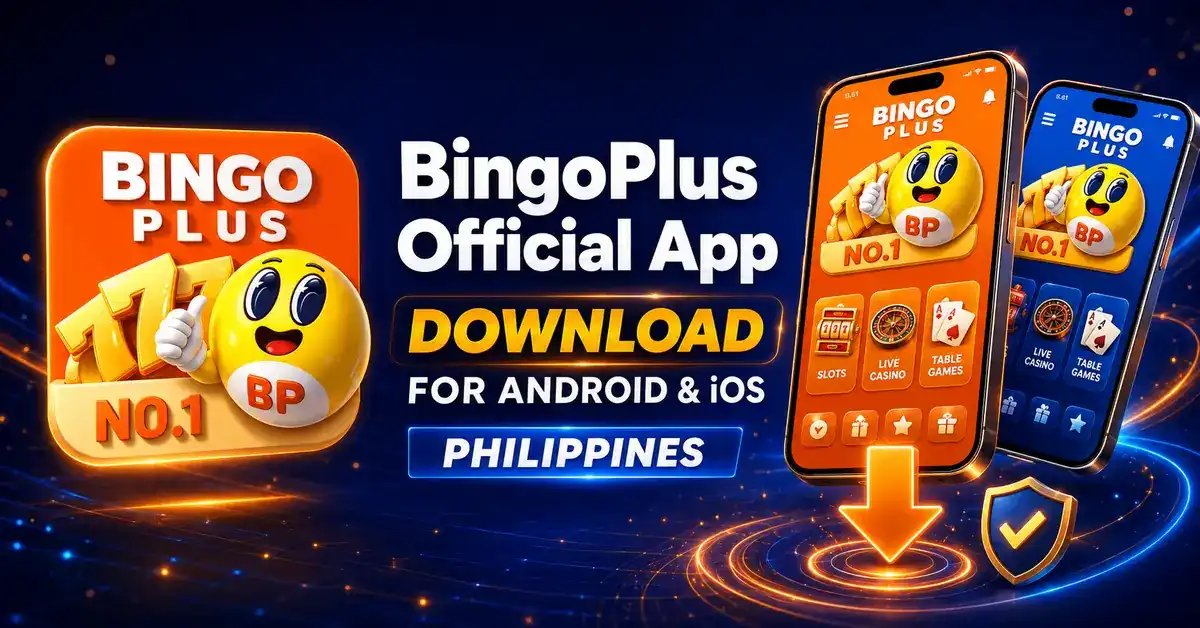
Choose the option that matches your device. Android users receive an APK directly from bingoplus.com. iPhone and iPad users are sent to the Apple App Store. Do not install a BingoPlus APK sent through a chat message, file-sharing site or unofficial download page.
Download the current Android installation file from the official BingoPlus domain. Your phone may ask for permission to install an app from your browser.
Download Official APKOpen the verified Apple listing for “BingoPlus: Bingo Tongits & Slot,” published by AB Leisure Exponent, Inc.
Open Apple App StoreThese details let Android users confirm that they reached the intended download file. File information was last checked on . BingoPlus may replace the APK when a newer build is released.
The checksum identifies the APK checked on July 31, 2026. A legitimate future update will have a different checksum, so this value must be updated whenever the APK changes.
Tap the Android button on this page. Confirm that the download address begins with https://bingoplus.com/.
Open your browser's Downloads list or the Files app, then select android.apk.
If Android blocks the installer, allow “Install unknown apps” only for the browser used to download the official file.
Review the app name and permission request, tap Install, and wait until Android confirms that installation is complete.
For better security, turn off “Install unknown apps” for your browser after the BingoPlus APK has been installed.
Launch BingoPlus. Existing users can sign in; new users should review the eligibility, verification and responsible gaming information before registering.
An APK can be copied and renamed, so the filename alone is not enough. Before installing, check the source and use the checksum when you need a stronger file verification step.
Preview the mobile interface before downloading. Screens can change when the app is updated, and available games or account features may depend on location and eligibility.





Requirements can change with a future release. If an older phone cannot install the native app, use a current mobile browser to access the official website instead of downloading an older APK from an unofficial source.
| Requirement | Android | iPhone / iPad |
|---|---|---|
| Installation source | Official BingoPlus APK | Apple App Store |
| Internet | Stable Wi-Fi or mobile data | Stable Wi-Fi or mobile data |
| Storage | More than the 11.4 MB download size; extra space is required after installation | Use the current size shown in the App Store listing |
| Updates | Download the current APK from this page | Update through the App Store |
| Account eligibility | Philippines; users must be 21+ and meet verification requirements | |
| Feature | Native app | Mobile website |
|---|---|---|
| Installation | APK or App Store installation required | No installation required |
| Storage use | Uses device storage | Mainly uses browser cache |
| Updates | APK replacement or App Store update | Website changes load automatically |
| Best for | Users who prefer an app-focused interface | Users who prefer quick browser access |
Android users should revisit this official page and download the current APK. In many cases, Android can install the newer build over the existing app while retaining local settings. If Android reports a signature or package conflict, do not force the update with an unofficial file; contact official support for the correct process.
On iPhone and iPad, open the App Store, select your account icon, and review available updates. If BingoPlus appears in the list, select Update. Automatic App Updates can also be enabled in iOS settings.
Switch to a stable connection, remove the incomplete file, check free storage and start the download again from this page.
Restart the phone, confirm sufficient storage and make sure the file finished downloading. A conflicting old package may also block installation.
Allow installation only for the browser that downloaded the official APK, then disable that permission after the install completes.
Restart the app, update the device operating system, free memory and confirm that you are using the current official release.
Check the mobile number and password, then use the official password recovery flow. Never send an OTP to another person.
Confirm that your Apple ID region and device are supported, update iOS if needed, and retry from a stable network.
Review the privacy information shown by your device and the official BingoPlus Privacy Policy before installing. Only grant permissions needed for features you choose to use. Payment availability, verification rules, account limits and processing times can vary by account and by the current platform policy.
BingoPlus is for eligible users aged 21 and over. Gaming involves risk and should never be treated as a way to earn income. Set time and spending limits, never borrow money to play, and stop if gaming is affecting your finances, work, studies or relationships.


Use your browser menu to add BingoPlus to this device.