
iPhone & iPad
Official App Store listing. Automatic updates through Apple, no files to manage and nothing to sideload.
Download on iOS →Apple App Store · Philippines · 21+
This is the official BingoPlus iOS download page. Every button below opens the verified Apple App Store listing for BingoPlus: Bingo Tongits & Slot by AB Leisure Exponent, Inc. — no APK, no sideloading, no third-party stores.
Opens apps.apple.com · Free download · Check the developer name before you tap Get.
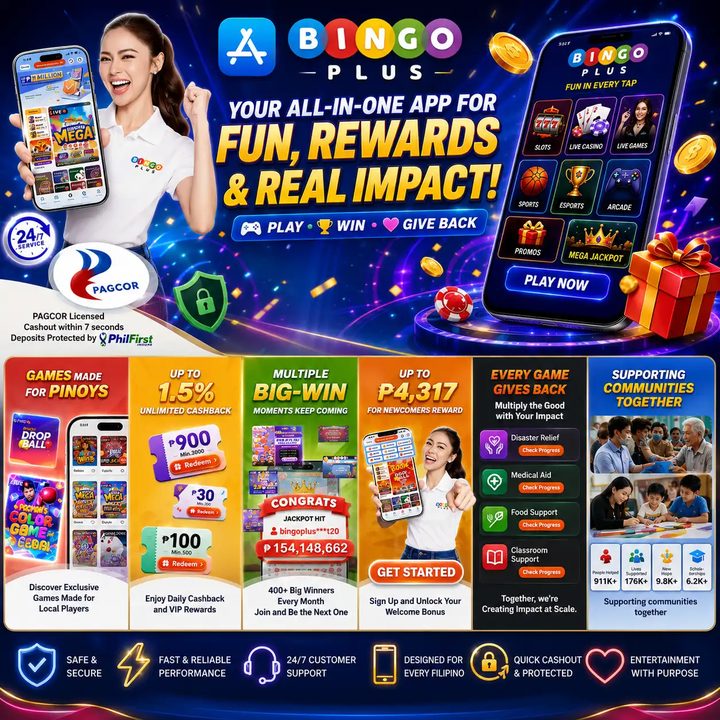
Illustration from BingoPlus store artwork. Promotions shown are subject to current terms and eligibility; nothing here guarantees rewards or winnings.
Scan the QR code below with an iPhone camera to open this official page.
On Android? This page is for iPhone and iPad. Go to the BingoPlus Android download page.
The whole process happens inside Apple's App Store. You never download a file from a website or change any iPhone settings.
From Safari on your iPhone or iPad, tap any Download on iOS button on this page. It redirects to the BingoPlus listing on apps.apple.com.
Check the name BingoPlus: Bingo Tongits & Slot and the developer AB Leisure Exponent, Inc., then tap Get and approve with Face ID, Touch ID or your Apple ID password.
When the download finishes, open the app from your Home Screen or App Library and log in. First time here? Register and verify your account — players must be 21+.
The link goes to the Philippine App Store. If your Apple ID is set to another country, switch it or sign in with a PH Apple ID before tapping Get.
 Download on iOSOpen App Store
BingoPlus is one account on every device. Pick the path that matches the phone in your hand.
Official App Store listing. Automatic updates through Apple, no files to manage and nothing to sideload.
Download on iOS →Android uses a different install route. The Android page explains the Google Play status and the current official APK option.
BingoPlus for Android →No storage space? Log in on bingoplus.com from Safari, Chrome or any desktop browser with the same verified account.
BingoPlus login →Copycat apps and fake “BingoPlus” pages exist. Thirty seconds of checking protects your account and your money.
Use the iOS download buttons on this official bingoplus.com page. They open the verified Philippine Apple App Store listing for BingoPlus: Bingo Tongits & Slot, published by AB Leisure Exponent, Inc.
Yes. The official Apple listing supports compatible iPhone and iPad devices. Check the current operating-system and device requirements shown in the App Store before installing.
The verified Apple App Store listing identifies AB Leisure Exponent, Inc. as the developer. Confirm the app name and developer before selecting Get.
Yes. Apple currently lists the BingoPlus app as a free download. Normal internet or mobile-data charges may still apply.
No. APK files are for Android and cannot be installed on an iPhone or iPad. Use the official Apple App Store listing for the BingoPlus iOS app.
Some in-app browsers (for example inside social or messaging apps) block external App Store links. Open this page in Safari, make sure your Apple ID country is set to the Philippines, then tap the iOS download button again.
Yes. Android phones use a different download method. Visit the BingoPlus Google Play and Android download page for the current Android option; this page covers iPhone and iPad only.
Yes. BingoPlus is the official brand styling, while Bingo Plus is a common spaced form used when people search for the same brand and mobile app.
BingoPlus services are intended only for eligible users aged 21 and above in the Philippines. The platform's 21+ requirement applies even if an app-store content rating is different.
BingoPlus is for players aged 21 and above in the Philippines. Set limits, take breaks and never play with money you cannot afford to lose. Need help? Call the PAGCOR Responsible Gaming helpline +63 (02) 8527-9831, the National Problem Gambling Helpline (02) 8248-9568, or email ResponsibleGaming@pagcor.ph. Self-exclusion is available through PAGCOR's OSEA programme.
Select any App Store or iOS download button to open the verified Apple listing, confirm the developer and tap Get.