





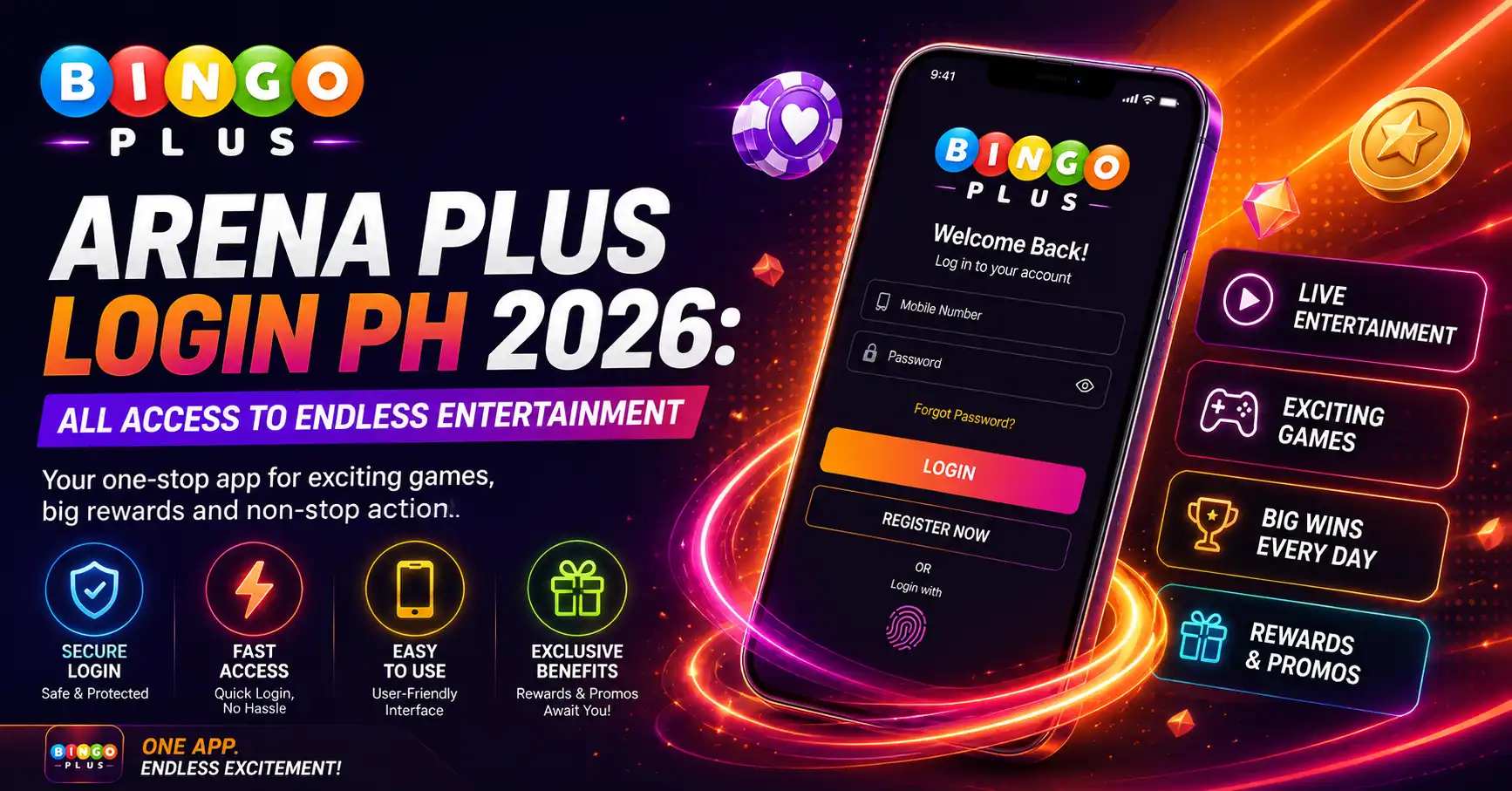
Quick answer: The safest way to use the Arena Plus login is to open the verified ArenaPlus website or official app, confirm the domain or publisher, and sign in with the mobile number and password registered to your account. This guide explains ArenaPlus access for users in the Philippines, including mobile login, OTP verification, password recovery and common sign-in problems.
Arena Plus and ArenaPlus refer to the same brand. Searchers commonly use both spellings, so this page uses them naturally while keeping the focus on secure account access. This is an editorial guide from BingoPlus; account credentials should only be entered on an official ArenaPlus channel.
What Is Arena Plus?
ArenaPlus is a Philippines-focused digital sportsbook and entertainment platform. Its sports-first experience covers events such as basketball, volleyball, football, tennis, boxing and esports, while selected casino-style content may also be available. Readers who need a broader introduction can start with the ArenaPlus Philippines overview.
The operator states that ArenaPlus is licensed by the Philippine Amusement and Gaming Corporation and is intended only for eligible users aged 21 or older in the Philippines. Licensing, product availability, promotions and account rules can change, so verify current information through ArenaPlus and PAGCOR before registering, depositing or playing.
How to Log In to Arena Plus Safely
- Open a verified channel. Type the ArenaPlus address yourself, use a saved bookmark, or open the official app. Avoid login pages received through unsolicited messages or copied advertisements.
- Check the address before entering details. Confirm HTTPS and the exact ArenaPlus domain. A padlock shows that the connection is encrypted, but it does not by itself prove that a website is genuine.
- Select Login. On mobile, the button normally appears in the main navigation or account area. On desktop, it is generally visible near the top of the page.
- Enter your registered account details. Use the mobile number and password associated with the account. Never reuse a password from email, banking or social media.
- Complete verification when requested. ArenaPlus may send a one-time password to the registered mobile number or request an identity check for account protection.
- Review your account after login. Confirm that the displayed profile, wallet and recent activity belong to you before making any transaction.
If you need to reach the live platform, use the ArenaPlus login portal. Do not enter an OTP, password or e-wallet PIN on this BingoPlus article page.
Arena Plus Mobile Login: App, Android and iOS
The same ArenaPlus account may be used through supported mobile channels, but the installation source matters. Before installing, compare the app name, publisher, icon and destination URL with the information shown on the official ArenaPlus website. Avoid modified APK files, copied download pages and apps sent through chat groups.
Android access
Android users should follow an official ArenaPlus download route and review every installation prompt before continuing. The ArenaPlus Android guide explains the device-specific process, while the ArenaPlus download guide covers general installation checks.
iPhone and iPad access
For Apple devices, confirm the developer information and regional availability on the App Store before downloading. See the ArenaPlus iOS guide for the dedicated Apple-device walkthrough.
Browser access
Arena Plus login can also be completed through a supported browser without installing an app. Keep the browser updated, allow essential cookies for the login session and avoid saving credentials on a shared device. If the app is unavailable or temporarily not working, browser access can help determine whether the problem is app-specific or account-related.
ArenaPlus Registration and Account Verification
New users must register before they can log in. The exact form may change, but the normal process includes a valid Philippine mobile number, a unique password, an OTP and any identity information required for account verification. Enter only accurate information that matches your identification documents.
- Open the verified ArenaPlus website or app and select Register.
- Enter the requested mobile number and create a strong, unique password.
- Read the age, location, privacy and promotional terms before agreeing.
- Enter the OTP sent to the registered number.
- Complete KYC only through the secure account area when requested.
- Set personal spending and time limits before using real-money features.
Registration should not be repeated just because a password is forgotten. Creating multiple accounts can cause verification conflicts. Use the official recovery option or customer support instead.
Arena Plus Login Problems and Fast Fixes
Most Arena Plus login problems come from an incorrect password, an expired OTP, outdated app data, browser restrictions, network instability or temporary maintenance. Use the table below before attempting repeated logins.
| Login problem | Likely cause | Recommended action |
|---|---|---|
| Incorrect mobile number or password | Typing error, changed password or wrong saved credentials | Re-enter the registered number carefully or use the official password-recovery option. |
| OTP not received | Weak signal, delayed SMS, blocked sender or incorrect number | Check the mobile signal and registered number, wait briefly, then request one new OTP. Never share it. |
| Page keeps refreshing | Blocked cookies, corrupted site data or privacy extension | Allow essential cookies, clear data only for the ArenaPlus site, then reopen the verified address. |
| App opens but login fails | Old app version, damaged cache or device compatibility issue | Update through the official source, restart the phone and retry. Reinstall only from a verified channel. |
| Account temporarily locked | Too many failed attempts or a security review | Stop repeated attempts and use official ArenaPlus support for identity-based recovery. |
| Website or app unavailable | Maintenance, network routing or temporary service interruption | Try another trusted network and check official service notices. Do not use an unknown mirror site. |
Forgotten ArenaPlus password
Select the official “Forgot Password” or account-recovery option, enter the registered mobile number and follow the verification instructions. Create a new password that is long, unique and not used on another service. ArenaPlus support should never ask for your full password, OTP or e-wallet PIN.
OTP verification failed
Use only the newest OTP because requesting another code can invalidate the previous one. Check the phone’s date and time, mobile signal and message filters. If repeated attempts fail, pause and contact support through the verified website or app instead of sharing screenshots containing private information.
What Users Can Find After ArenaPlus Login
ArenaPlus is primarily associated with sports access. Available events and markets vary by schedule, location and platform rules, but users commonly look for basketball coverage, live odds, pre-match markets, esports and sports promotions. Use the following supporting guides for deeper information:
- ArenaPlus live betting guide
- ArenaPlus esports betting guide
- Does ArenaPlus offer NBA betting?
- What sports are available on ArenaPlus?
- Arena Plus PBA guide
Market availability, odds, streaming access and promotions can change. Read the current rules inside the platform before placing any wager, and never treat a bonus as guaranteed cash or a way to recover losses.
ArenaPlus vs BingoPlus
ArenaPlus and BingoPlus are different consumer brands with different primary search intents. ArenaPlus is generally sports-led, while BingoPlus is more strongly associated with bingo and a broader selection of digital entertainment. An account, promotion or balance on one service should not be assumed to work on the other unless the platform explicitly confirms it.
For a side-by-side explanation, read ArenaPlus vs BingoPlus: key differences. Users searching specifically for the sports brand can also visit the ArenaPlus Philippines topic hub.
Arena Plus Account Security Checklist
- Use a unique password and keep it out of browser notes, chats and screenshots.
- Never disclose an OTP, full password, recovery code or e-wallet PIN.
- Verify the domain before every login, especially after opening an ad or message.
- Do not install modified apps or APK files from file-sharing sites.
- Sign out after using a shared device and do not enable “Remember Me.”
- Review account activity and report unfamiliar transactions immediately.
- Use only support channels listed on the verified ArenaPlus website or app.
Responsible Use in the Philippines
Real-money gaming is not a source of income and does not guarantee winnings. Only adults aged 21 or older who meet the applicable Philippine eligibility requirements should use ArenaPlus. Set deposit, loss and time limits before playing; never borrow money to wager; and stop when gaming is affecting finances, work, sleep or relationships. Use platform time-out or self-exclusion tools when needed.
Arena Plus Login FAQ
Is Arena Plus the same as ArenaPlus?
Yes. “Arena Plus” and “ArenaPlus” are common spellings for the same brand. The official branding normally appears as ArenaPlus without a space.
Where can I find the Arena Plus login?
Open the verified ArenaPlus website or official app and select Login. Check the domain or app publisher before entering your mobile number, password or OTP.
Why can’t I log in to ArenaPlus?
Common causes include incorrect credentials, an expired OTP, blocked cookies, an outdated app, unstable internet, maintenance or a temporary account lock. Follow the troubleshooting table above and use official support if the problem continues.
How do I reset my Arena Plus password?
Use the “Forgot Password” or account-recovery option on the verified ArenaPlus login screen. Complete verification using the registered mobile number and create a new, unique password.
Can I use ArenaPlus on Android and iPhone?
ArenaPlus provides mobile access, but availability and installation steps can differ by device and region. Use only the official download route and confirm the app publisher before installing.
Why is my ArenaPlus OTP not arriving?
Check the registered number, mobile signal and message filters. Wait briefly before requesting one new code. Only the latest OTP may remain valid, and it must never be shared.
Does ArenaPlus cover NBA and PBA events?
ArenaPlus is sports-focused and commonly features basketball content, including NBA and PBA-related markets or promotions. Exact fixtures, markets and availability should be confirmed inside the platform.
Are ArenaPlus and BingoPlus accounts the same?
Do not assume they are interchangeable. ArenaPlus and BingoPlus are separate consumer services, so account access, balances and promotions should be verified on the specific platform being used.
Arena Plus Login Summary
For safe Arena Plus login access, use a verified ArenaPlus website or app, confirm the address before entering credentials and rely on official recovery tools when a password or OTP fails. This page should remain the main BingoPlus article for the ArenaPlus login search intent, while the app, Android, iOS, sports and comparison pages support it through focused internal links.
Editorial note: Platform details, promotions and availability may change. Verify current information through ArenaPlus and PAGCOR. For eligible users aged 21 and above only. Play responsibly.