





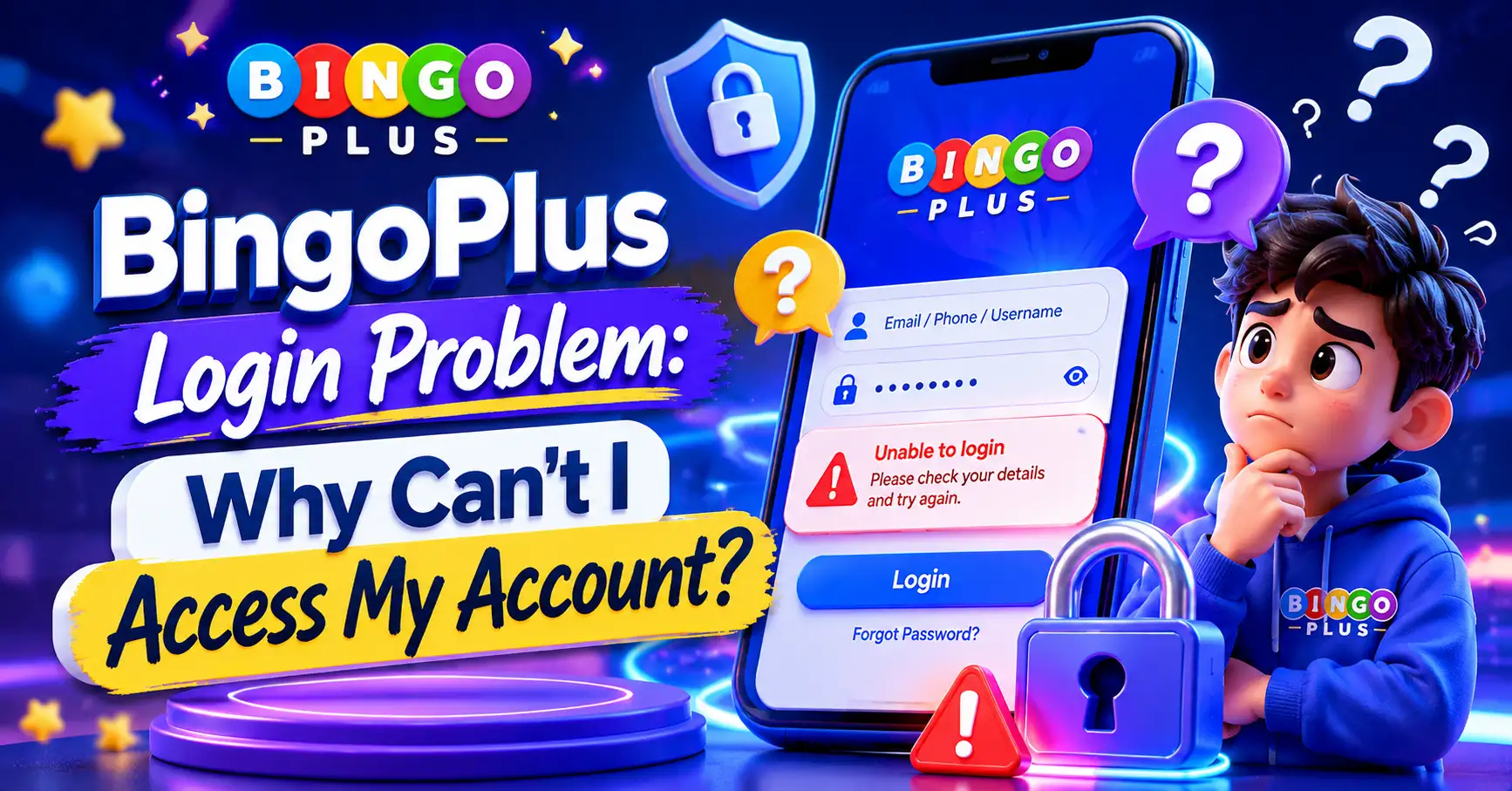
A BingoPlus login problem is usually caused by an incorrect password, network issue, outdated app version, account verification requirement, or temporary system maintenance.
Most login issues can be solved within a few minutes by checking account details, updating the app, clearing cache, or using the password recovery option. Understanding the cause is the fastest way to restore access and continue using your account normally.

Core Issue Explained
Many users search for “BingoPlus login problem” because they cannot access their account even though they believe their username and password are correct.
In most cases, the issue is not permanent.
Common causes include:
- Incorrect password entry
- Forgotten login credentials
- Slow internet connection
- Outdated application version
- Device compatibility issues
- Temporary server maintenance
- Account verification requests
- Security-related login restrictions
- Click to spin for free and win the ultimate prize!
Before contacting support, users should verify these basic items first.
Incorrect Login Information
Typing errors are one of the most common causes.
Users should verify:
- Username spelling
- Mobile number format
- Password capitalization
- Special characters
Even a small mistake may prevent successful login.
App Version Problems
Older versions may experience login issues.
Updating to the latest version often resolves:
- Authentication errors
- Loading issues
- Login timeouts
- Compatibility problems
Network Connection Issues
Unstable internet can interrupt account authentication.
Try:
- Switching between Wi-Fi and mobile data
- Restarting the router
- Reopening the app
- Testing another network
Usage Experience and Pros & Cons
Most users report smooth account access when using updated devices and stable internet connections.
However, occasional login issues may occur due to security checks or system updates.
Advantages
 Fast account access
Mobile-friendly login process
Password recovery options
Multi-device compatibility
Security verification protection
Disadvantages
 Login may fail during maintenance
Verification steps can delay access
Forgotten passwords require recovery
Poor internet may interrupt login
Typical User Experience
Many login issues are temporary.
Users often regain access after:
- Updating the application
- Resetting the password
- Completing verification
- Waiting for maintenance completion
Practical Tips
If you encounter a BingoPlus login problem, try these solutions in order.
Step 1: Verify Credentials
Double-check:
- Username
- Mobile number
- Password
Incorrect credentials remain the most common cause.
Step 2: Reset Password
Use the password recovery feature.
Follow the instructions sent to your registered account.
Step 3: Update the Application
Install the latest version.
Updates frequently resolve compatibility issues.
Step 4: Clear Cache
Cached files can interfere with authentication.
Clearing cache may improve login performance.
Step 5: Restart Device
A simple restart can refresh connections and remove temporary errors.
Step 6: Check System Status
Sometimes login issues occur during:
- Scheduled maintenance
- System upgrades
- Security updates
Waiting briefly may solve the issue.
Step 7: Contact Customer Support
If the issue persists, provide:
- Username
- Registered mobile number
- Screenshot of error message
This helps support identify the problem faster.
Common Questions Summary
What causes a BingoPlus login problem?
Most login issues result from incorrect credentials, network problems, outdated applications, or account verification requirements.
Why does BingoPlus say my password is incorrect?
The password may be entered incorrectly or changed previously. Resetting the password usually solves this issue.
Can an outdated app cause login errors?
Yes. Older versions may not communicate properly with current systems.
Why does the app keep loading during login?
This often indicates a network connection problem or temporary server issue.
How do I recover my BingoPlus account?
Use the password recovery option and follow the verification instructions.
Why is my account temporarily unavailable?
Security reviews, verification requests, or maintenance periods can temporarily restrict access.
Can I login from multiple devices?
Many accounts support multiple devices, but security checks may occasionally require re-verification.
How long does it take to fix a login problem?
Most issues can be resolved within minutes if caused by passwords, updates, or network problems.
Should I contact support immediately?
Try basic troubleshooting first. Contact support if the issue continues after completing recommended steps.
What is the fastest way to solve a BingoPlus login problem?
Verify credentials, update the app, clear cache, and reset your password if necessary.
Final Thoughts
A BingoPlus login problem is usually temporary and often caused by account details, internet connectivity, outdated software, or security verification requirements.
Most users can restore access quickly by checking login information, updating the app, resetting passwords, and ensuring a stable network connection.
Following these troubleshooting steps helps reduce downtime and allows users to access their account securely and efficiently.