Verification Code Not Received? Start With These Checks
A BingoPlus verification code may not appear immediately. Before requesting another code, check the information and device being used for the verification process.
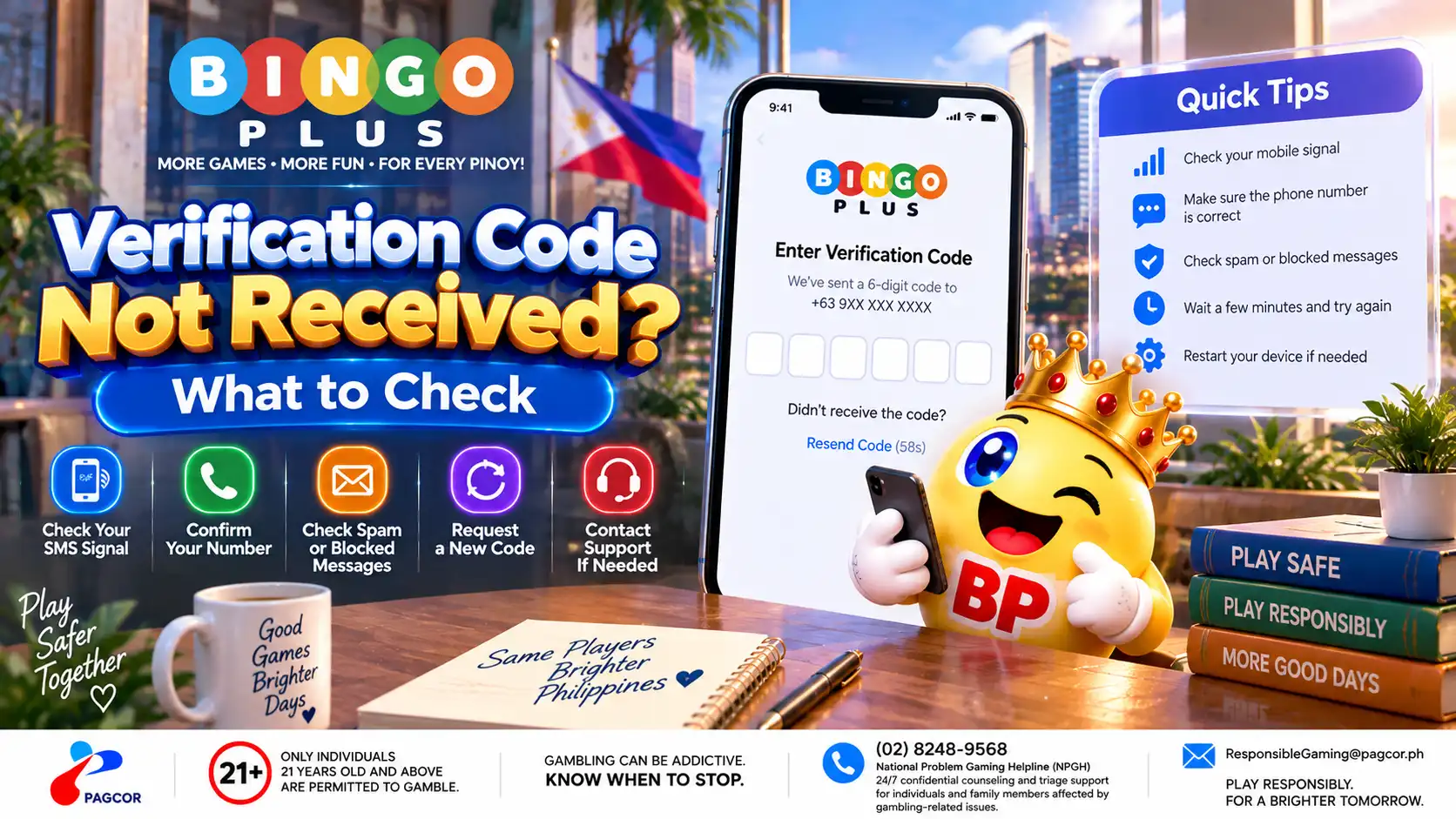
Confirm that the mobile number associated with your account is correct.
Check that your phone currently has a stable mobile network signal.
Wait for the current verification request to complete before submitting another one.
Check your SMS inbox and any spam or blocked-message filtering available on your device.
Make sure your SIM can currently receive SMS messages.
If you use more than one SIM, confirm that you are checking the number associated with your BingoPlus account.
Delivery delays can occur, so repeatedly requesting new codes may make the process more confusing. If a newer code is issued, an earlier code may no longer work.
Never share a verification code with another person. A verification code is intended to confirm an account-access request made by you.
Why a Verification Code May Be Delayed
A delayed verification message does not necessarily mean there is a problem with your BingoPlus account.
SMS delivery can be affected by temporary mobile-network congestion, weak signal, device settings or delays between the service and the mobile carrier.
Before trying again:
Move to an area with a stronger mobile signal if your connection is weak.
Turn Airplane Mode on briefly and then off to reconnect to the mobile network.
Confirm that your device is receiving other SMS messages normally.
Check whether messages from unknown senders are being filtered or blocked.
Restart the device if SMS delivery appears to be unavailable generally.
If other SMS messages are also delayed, the issue may be related to the device, SIM or mobile network rather than the BingoPlus verification process.
Avoid Requesting Too Many Codes
If a verification code does not arrive immediately, avoid pressing the request or resend button repeatedly.
Multiple requests can result in several messages arriving close together. This makes it difficult to identify which code belongs to the latest verification attempt.
Wait for the current request to finish before requesting another code. When a new code is issued, use the most recent code associated with your current verification attempt.
Do not keep entering older codes after requesting a replacement.
If the page displays a countdown, retry interval or temporary request limit, follow the instructions shown on the page before attempting another request.
If the Code Arrives but Does Not Work
Receiving a verification code does not guarantee that an older code will remain valid after another code has been requested.
Check that you entered the complete code exactly as received.
Use the newest verification message associated with your current request.
Do not add spaces or other characters.
Check whether the verification page has expired or been reloaded since the code was requested.
Avoid using a code generated for an earlier sign-in or verification attempt.
If the current code is rejected, return to the official verification flow and follow the instructions displayed there rather than repeatedly entering the same code.
Protect Your Verification Code
Treat a BingoPlus verification code as private account information.
Do not send the code through chat, email or social media.
Do not post screenshots that reveal the code.
Do not provide it to someone claiming they can sign in or verify the account for you.
Do not approve a verification request that you did not initiate.
If you receive a verification code without requesting one, do not use or share it. Review your account access through an official BingoPlus route and contact official support if you are concerned about unexpected activity.
When to Contact BingoPlus Support
Contact official BingoPlus support if verification codes consistently fail to arrive after you have confirmed the mobile number, network connection, SMS functionality and device settings.
Before contacting support, note the approximate time of the failed request and any error message displayed on the verification page. This can help describe the problem without exposing sensitive account information.
Never include your password, PIN or verification code in a public message or screenshot.
Use only an official BingoPlus support route. If you are unsure whether a page or contact method is legitimate, verify it through the BingoPlus Official Access information before sharing account details.
Sources & references
Review: 2026-09-22