





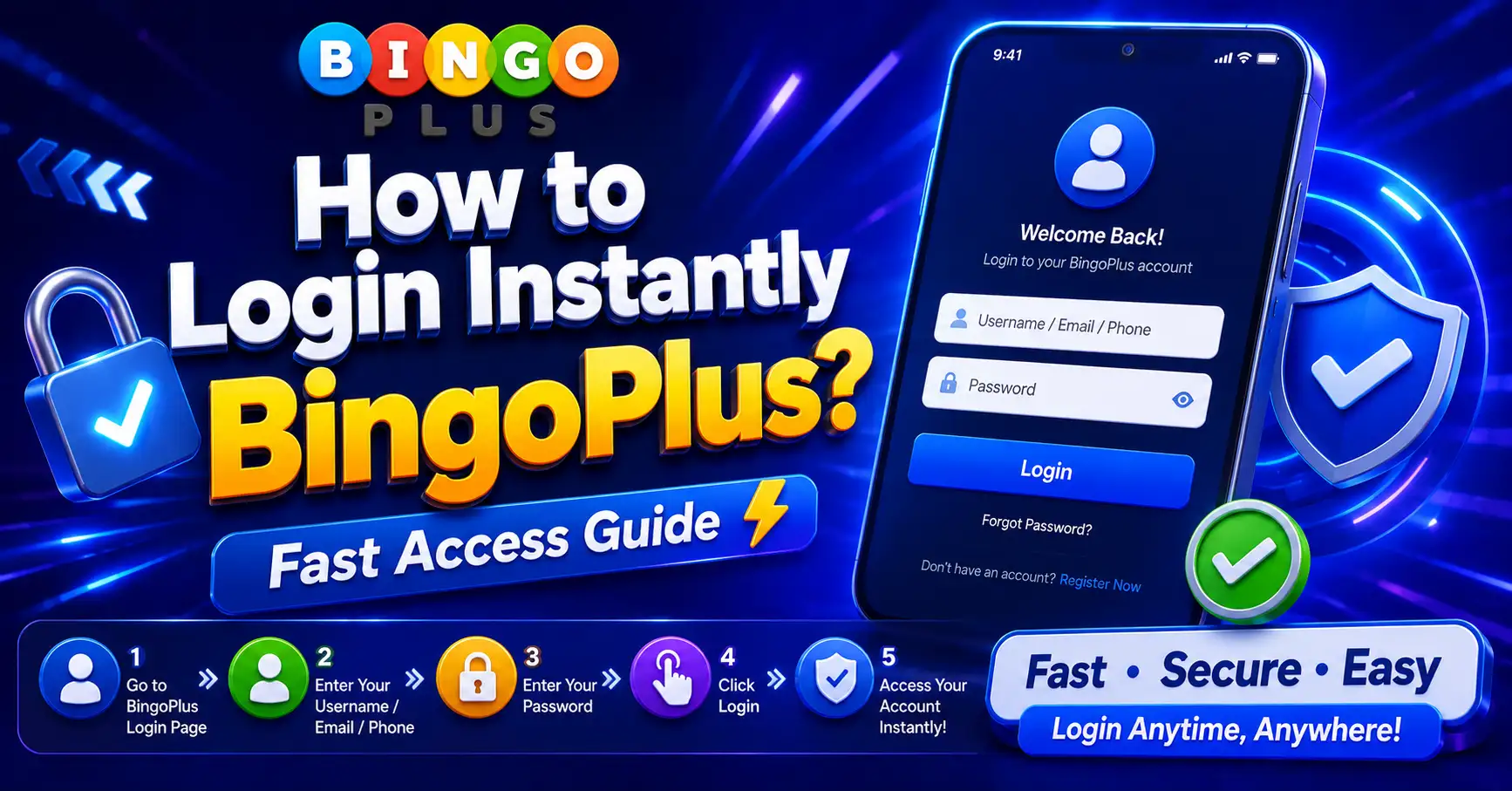
If you want to login instantly to BingoPlus, the fastest method is to use your registered account credentials, a stable internet connection, and the latest app version. Most users can access their accounts within seconds by ensuring their login information is correct and their device is properly configured.
Login delays are often caused by incorrect passwords, poor network connections, outdated applications, or incomplete account verification. By following a few simple steps, users can significantly improve login speed and reduce access problems.
This guide explains how to login instantly to BingoPlus, common login issues, practical solutions, user experiences, and frequently asked questions.

Core Issue Explained
Many users search for “how to login instantly BingoPlus” because they want faster account access.
In most cases, instant login depends on preparation.
Users should ensure:
- Correct account information
- Stable internet connection
- Updated application
- Verified account status
- Click to spin for free and win the ultimate prize!
These factors directly affect login speed.
Why Does Login Sometimes Take Longer?
Several factors may slow account access.
Common causes include:
- Incorrect password attempts
- Weak internet connection
- App compatibility issues
- Server maintenance
- Device performance limitations
Most login delays are temporary.
What Is Instant Login?
Instant login refers to accessing an account quickly without repeated authentication errors.
This usually occurs when account details are accurate and the device is functioning properly.
Is Instant Login Safe?
Yes.
Fast login does not reduce account security when official login methods are used.
Users should always protect their credentials.
User Experience and Pros & Cons
Most users report smooth access when using updated devices and reliable internet connections.
The login process is generally straightforward.
Advantages
 Quick account access
Simple login process
Mobile-friendly experience
Secure authentication
Convenient account management
Disadvantages
 Login may slow during maintenance
Weak networks can cause delays
Forgotten passwords prevent instant access
Device issues may affect performance
Typical User Experience
Most users can login instantly when:
- Credentials are saved correctly
- Network quality is stable
- App version is current
- Account verification is complete
Preparation is often the key factor.
Practical Tips
Follow these recommendations to login instantly to BingoPlus.
Step 1: Verify Login Information
Double-check:
- Username
- Mobile number
- Password
Small typing errors are common.
Step 2: Update the Application
Install the latest version.
Updates often improve login performance and stability.
Step 3: Use a Stable Internet Connection
Switch between:
- Wi-Fi
- Mobile data
Choose the faster connection.
Step 4: Enable Secure Credential Storage
Saving verified login information can reduce future login time.
Always use secure device settings.
Step 5: Complete Account Verification
Verified accounts often experience fewer login interruptions.
Keep account information updated.
Step 6: Clear App Cache
Temporary files may affect performance.
Clearing cache can improve responsiveness.
Step 7: Restart the Device
A quick restart can refresh network and system resources.
Common Login Mistakes
Avoid:
- Repeated incorrect password attempts
- Using outdated app versions
- Unstable network connections
- Ignoring verification requests
These issues frequently cause delays.
Best Practices for Faster Access
Helpful habits include:
- Keeping credentials updated
- Using trusted devices
- Updating the app regularly
- Maintaining strong internet connectivity
Common Questions Summary
How can I login instantly to BingoPlus?
Use correct credentials, a stable internet connection, and the latest app version.
Why is my BingoPlus login slow?
Login delays are often caused by network issues, incorrect passwords, outdated apps, or maintenance periods.
Does account verification affect login speed?
Yes. Verified accounts often experience fewer login interruptions.
Can I login instantly on mobile devices?
Yes. Android and iOS devices support fast account access when properly configured.
What should I do if my password is incorrect?
Use the password recovery feature and reset your credentials.
Can an outdated app cause login problems?
Yes. Older versions may experience compatibility issues and slower authentication.
Is it safe to save login credentials?
Yes, if secure device settings and trusted devices are used.
Why does the login page keep loading?
This usually indicates network instability or temporary server issues.
Should I clear the app cache regularly?
Clearing cache periodically may improve application performance and login speed.
What is the fastest way to access BingoPlus?
Use verified account information, maintain a stable connection, and keep the app updated.
Final Thoughts
Learning how to login instantly to BingoPlus is mostly about preparation and account maintenance.
Users who keep their credentials updated, verify their accounts, use stable internet connections, and install the latest application version typically experience the fastest login speeds.
By following these simple recommendations, most users can reduce login problems and enjoy quick, secure, and reliable account access.