Start With an Official BingoPlus Access Route
Account security starts before you enter a password or verification code. Always confirm that you are using an official BingoPlus access route before providing account information.
Check the website address carefully, especially when opening a link from a message, search result, advertisement or social-media post. If the domain looks unfamiliar, the page appears different from what you normally use, or the browser displays a security warning, do not continue entering credentials.
When in doubt, open BingoPlus independently through its official website or verified Official Access information rather than following an unfamiliar link.
Avoid allowing another person to sign in, verify an account or complete an account-recovery process on your behalf.
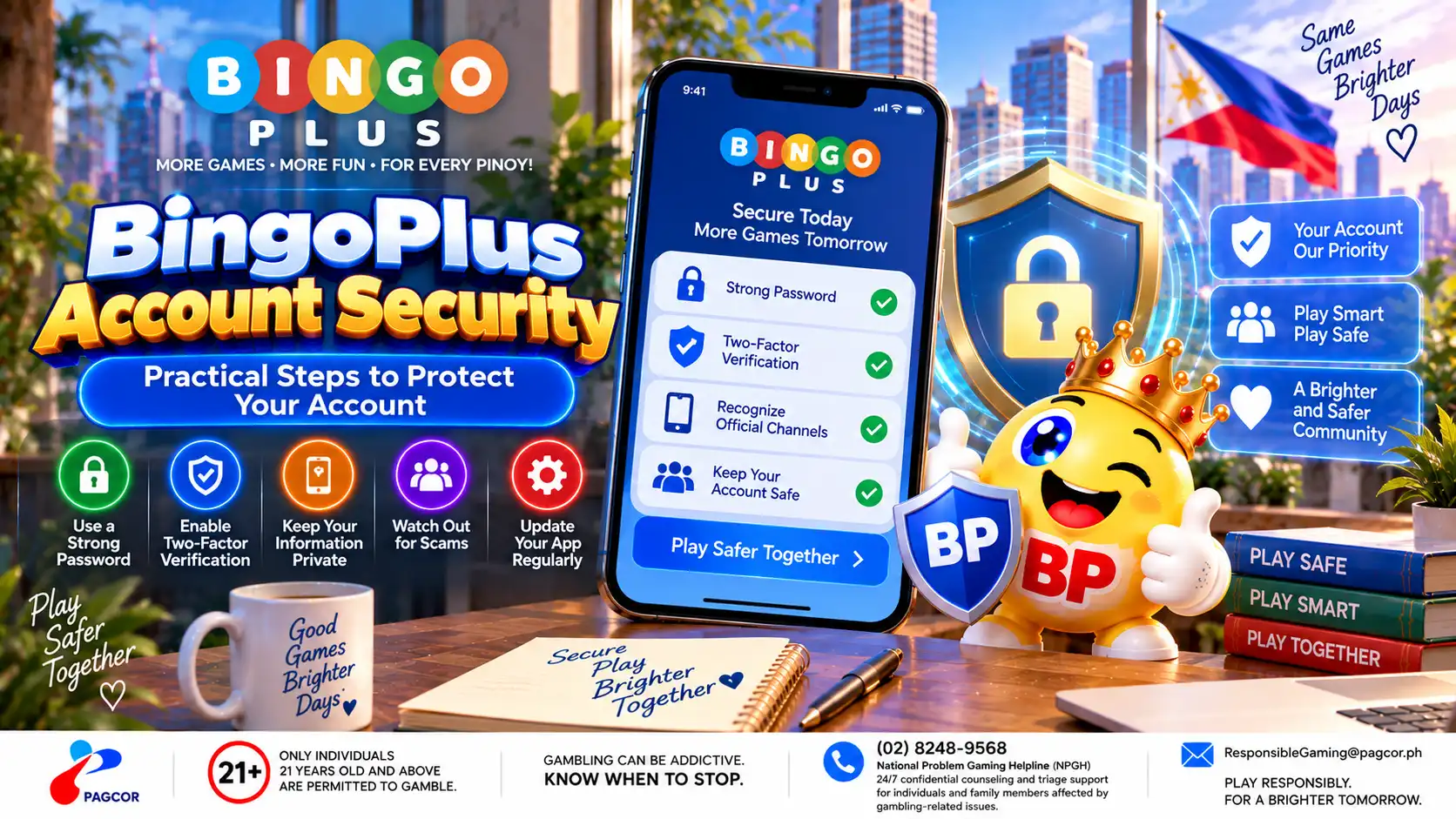
Protect Your Password and PIN
Your BingoPlus password and PIN should remain private and should not be shared with another person.
Use a password that is unique to your BingoPlus account rather than reusing one from email, social media or another service.
Avoid passwords based on easily guessed information such as names, birthdays or mobile numbers. Follow the current password requirements displayed by the official account interface.
Do not send your password or PIN through chat, email, social media or screenshots. BingoPlus support troubleshooting should not require you to disclose these credentials to another person.
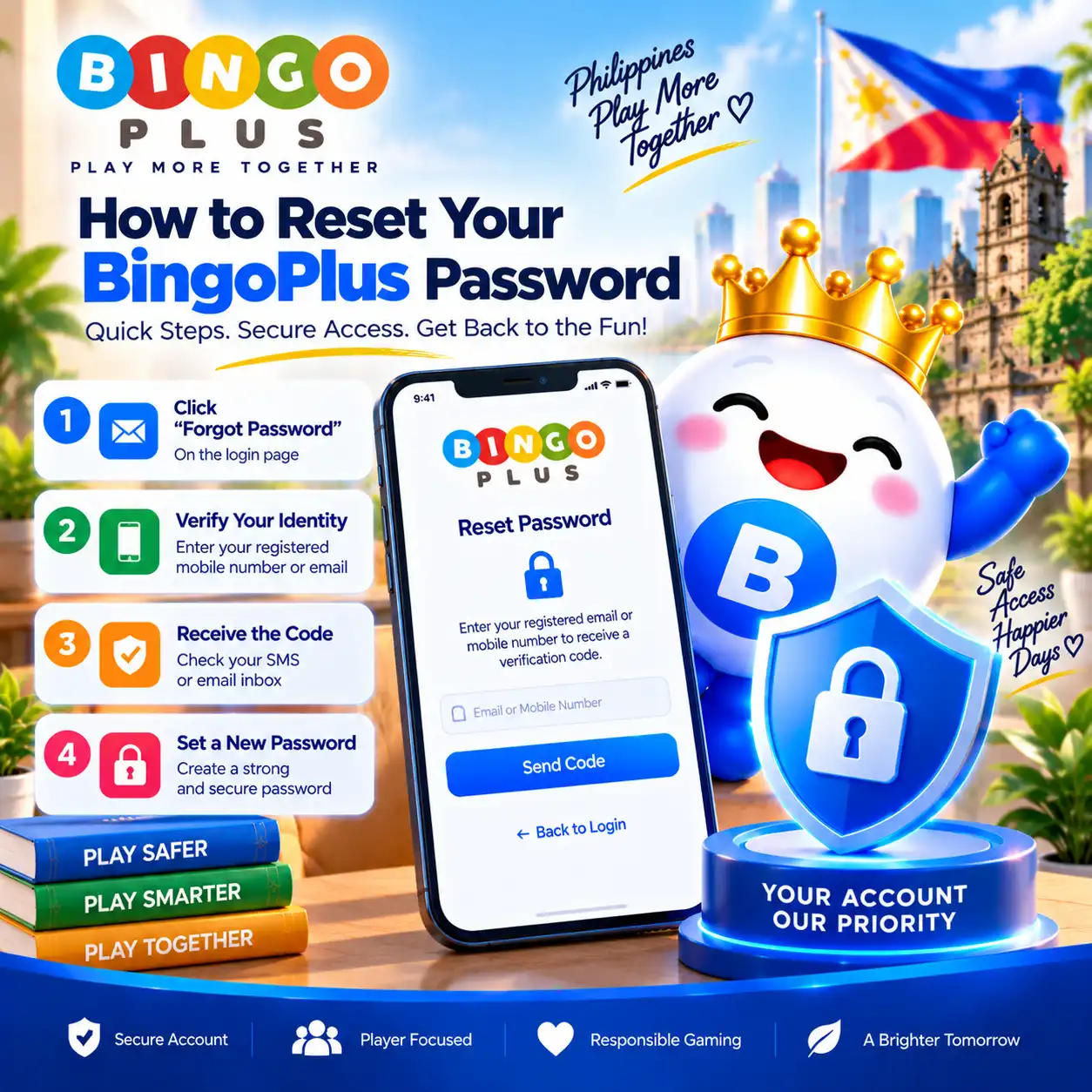
If you believe a password may have been exposed, use the official account-recovery process to change it and review the account for activity you do not recognize.
Keep Verification Codes Private
A one-time verification code is used to confirm a specific account-access or verification request. Treat it as sensitive account information.
Never forward a verification code to another person.
Do not post it in a screenshot or public message.
Do not enter a code into a page you cannot verify as an official BingoPlus access point.
Do not approve an unexpected verification request.
If you receive a verification code without initiating an account action, do not use or share it. Open BingoPlus independently through an official route and review your account access.
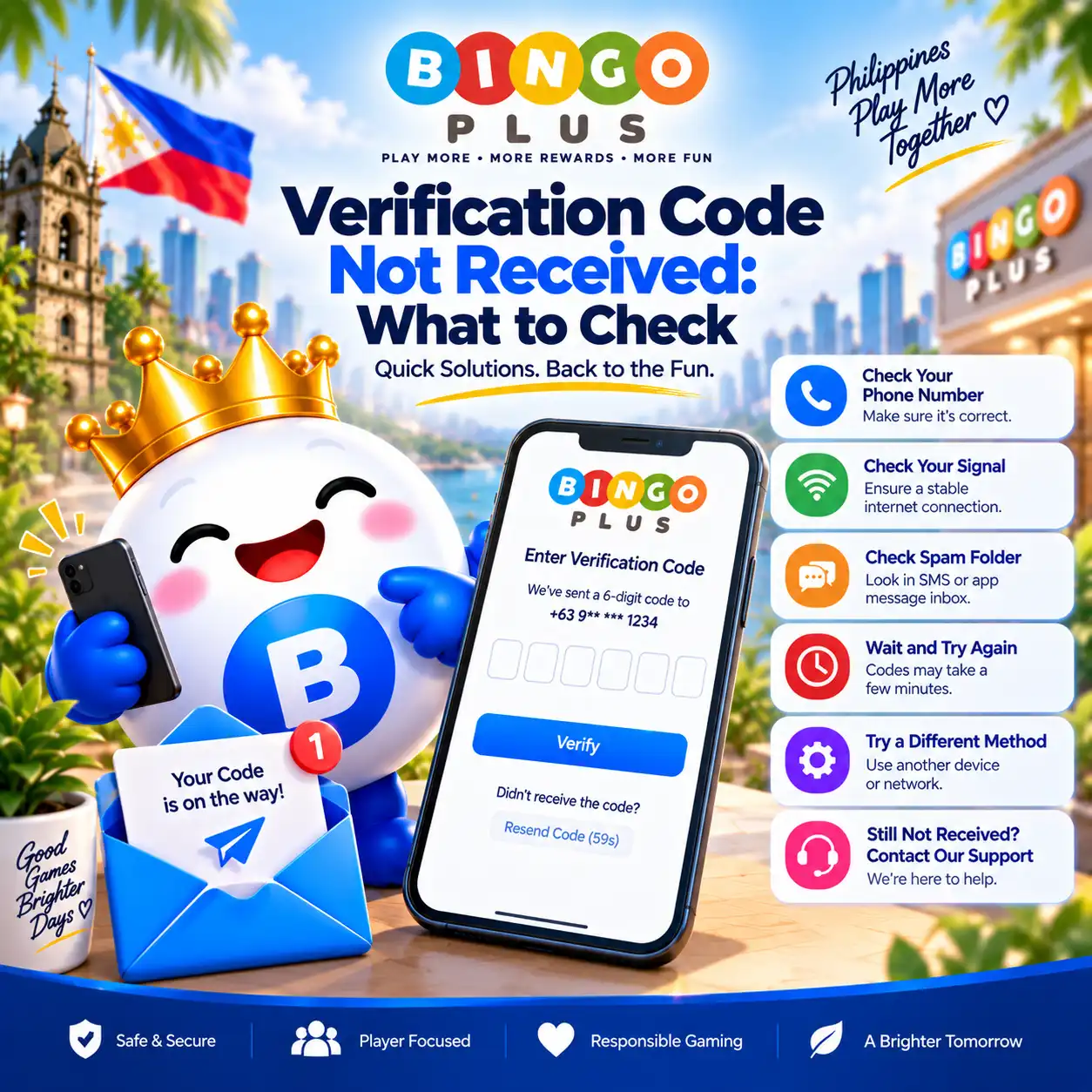
For delivery problems, use the dedicated BingoPlus verification-code troubleshooting guide rather than repeatedly requesting new codes.
Keep Your Device and Browser Secure
The security of the device used to access BingoPlus also matters.
Keep your operating system, browser and relevant security components reasonably current.
Use a screen lock on devices that contain signed-in accounts.
Avoid saving account credentials on public or shared devices.
Sign out when you finish using a device that other people can access.
Avoid installing BingoPlus packages obtained from unknown download websites.
Review browser extensions or apps that can read or modify web activity.
If a device is lost, shared unexpectedly or appears to have been compromised, review access to important accounts from a trusted device and update affected credentials where appropriate.
Recognize Suspicious Account Requests
Be cautious when a message creates urgency around your BingoPlus account or asks you to provide information outside the normal account interface.
Warning signs can include requests for your password, PIN or verification code; unfamiliar links presented as account recovery pages; unexpected requests to install software; or someone offering to recover, unlock or verify the account for you.
Do not rely only on a logo, profile name or familiar-looking page design when deciding whether a message or website is legitimate.
Instead, independently verify the destination through an official BingoPlus access or support route before taking action.
What to Do If Account Activity Looks Unfamiliar
If you notice account activity, verification requests or account changes that you do not recognize, treat the situation as an account-security issue.
Access BingoPlus through a verified official route.
Change an exposed password through the official recovery process when appropriate.
Do not approve verification requests you did not initiate.
Review available account information for changes you do not recognize.
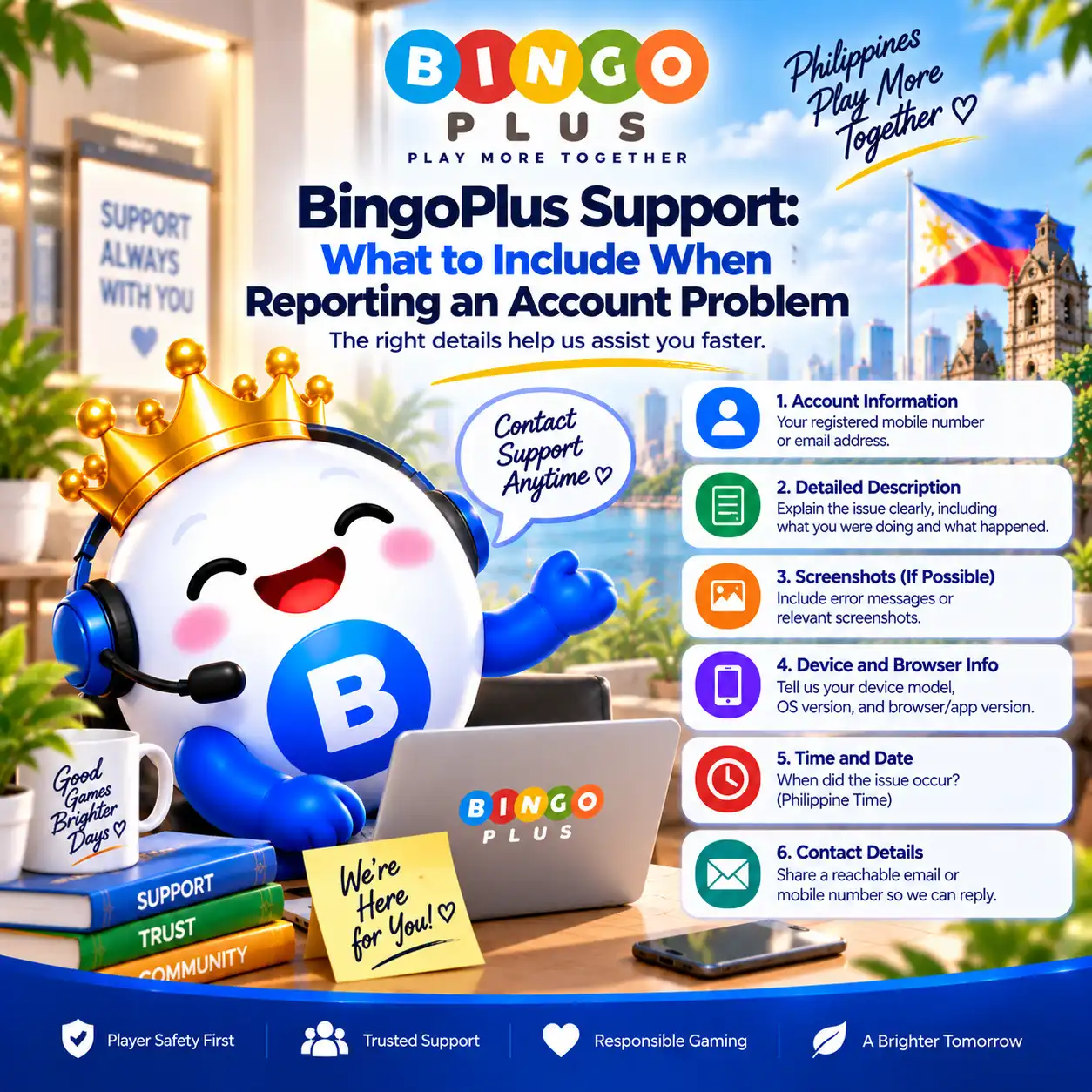
Record relevant error messages or unexpected activity without exposing sensitive credentials.
Contact official BingoPlus support if further assistance is required.
When contacting support, never include your password, PIN or one-time verification code. Provide only the information necessary to explain the problem.
Sources & references
Review: Reviewed for account-security guidance, password and verification-code precautions, official access information, device safety and guidance for unexpected account activity.