Before Updating the BingoPlus App
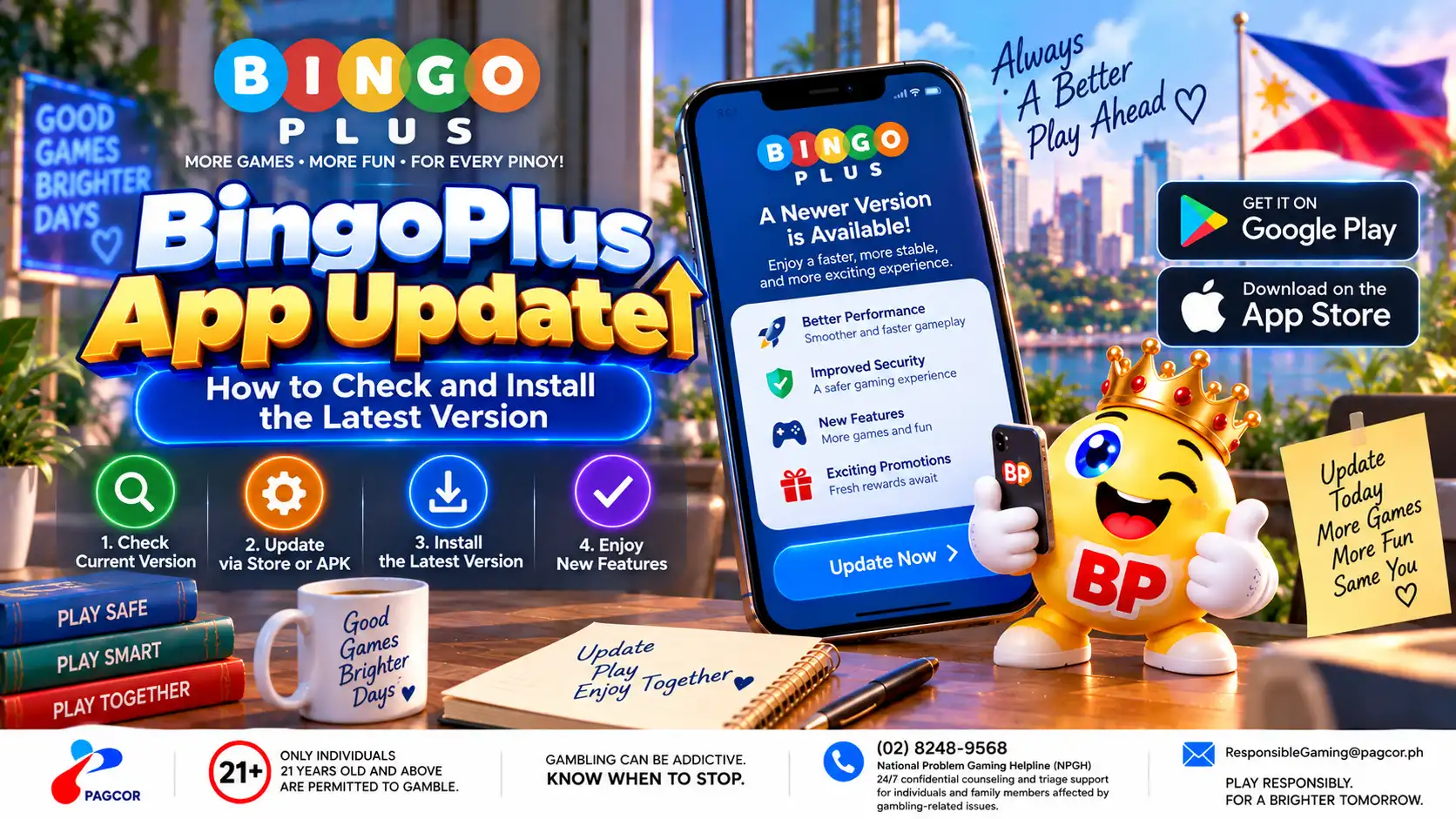
Before installing an update, first confirm whether your current BingoPlus app actually needs a newer version.
Open the app normally and check any version or update information available through the official interface. If an update notice appears, review the information shown before continuing.
Before updating:
Confirm that the device has a stable internet connection.
Make sure there is sufficient free storage.
Keep access to the mobile number or verification method associated with your account.
Avoid starting an update while the device has very low battery power.
Close other unnecessary apps if the device is low on available resources.
An update should not require you to disclose your password, PIN or one-time verification code to another person.
Check the App Version and Official Source
Version information can help determine whether the installed app is current or whether an update may be required.
Check the version shown in the BingoPlus app or the device's application information where available. Compare it only with version information provided through an official BingoPlus source.
Do not assume that a file described as “latest” on an unfamiliar download website is an official or current BingoPlus release.
For Android installation packages, verify the download source before opening the file. For store-distributed versions, use the official store destination provided by BingoPlus.
If the version already installed matches the current official release, reinstalling the same version may not resolve an unrelated network, account or device problem.
How to Update the BingoPlus App
Use the update method provided for your device through an official BingoPlus access route.
If the current version directs you to an official app store, open that listing and use the available Update option.
If an Android version is distributed through an official BingoPlus installation package, obtain the package only from the verified BingoPlus download source and follow the installation instructions displayed by the device.
Do not remove the existing app unless the official update process or troubleshooting guidance requires it.
After the installation finishes, open BingoPlus normally and confirm that the app reaches its expected start or sign-in screen.
If the Update Will Not Install
If an update downloads but does not install, check the device before repeatedly downloading the file.
Confirm that sufficient storage remains available.
Restart the device and try the official update process again.
Check whether the downloaded file completed successfully.
Confirm that the device allows the applicable installation method.
Remove incomplete update files before downloading another copy when appropriate.
Make sure the operating system is compatible with the current app release.
Do not bypass device security warnings simply to force an unfamiliar installation package to run.
If the official update continues to fail, record the error message and app version before contacting BingoPlus support.
If BingoPlus Has Problems After an Update
If BingoPlus opens differently, remains on a loading screen or displays a blank page after an update, first restart the app and device.
Check whether the internet connection is working normally and whether the issue occurs on both Wi-Fi and mobile data.
If your device provides an option to clear temporary app cache, that can be tested before clearing all app storage.
Use caution with Clear Data, Clear Storage or similar options. These actions may remove locally stored information and require you to sign in again.
If the problem continues, note the new app version and what changed after the update. This information can help distinguish an app-version issue from a network or account-access problem.
Keep Future BingoPlus Updates Safe
Use verified BingoPlus sources whenever checking for future app releases.
Avoid installation files distributed through unknown websites, unsolicited messages or advertisements.
Check the source before installing an APK or following an app-store link.
Keep your device operating system and security components reasonably current.
Do not share passwords, PINs or verification codes during an update.
Review official release information when a significant app change is announced.
If you are unsure whether a download or update page is legitimate, return to the BingoPlus official website or Official Access information before installing anything.
Sources & references
Review: Reviewed for app update guidance, official download-source verification, device preparation, account-access precautions and consistency with current BingoPlus app information.