





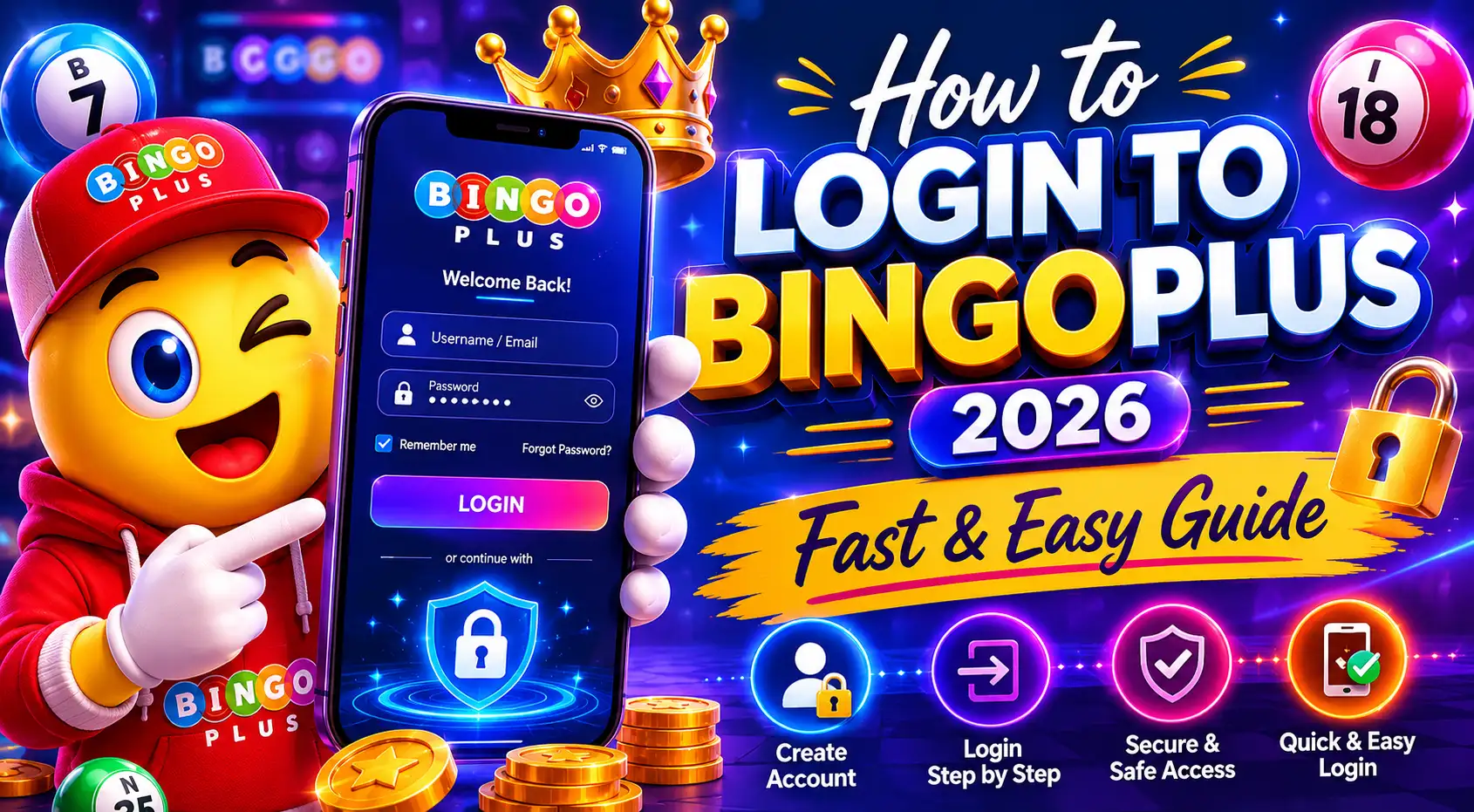
BingoPlus Login is quick and simple for Pinoy players. You can access your account in under 30 seconds using the app or website. Just enter your username and password, verify if needed, and start playing JILI slots, Bingo Mega, or Fishing games instantly.
Core Problem Interpretation
BingoPlus login issues are common among new users in the Philippines. Many forget passwords or face verification problems. This guide solves exactly that with clear steps.
Most players want fast and secure access to their GCash-funded accounts.

User Experience and Pros & Cons
Pros:
- Fast login under 10 seconds
- Secure with OTP verification
- Works smoothly on Android and iOS
- Saves login for easy future access
Cons:
- Requires stable internet
- Forgotten password needs email reset
- Occasional maintenance downtime
Overall, BingoPlus delivers smooth mobile gaming experience for most Pinoy users.
Practical Suggestions
- Download the official BingoPlus APK from the trusted site.
- Use strong passwords with numbers and letters.
- Enable biometric login (fingerprint/face ID).
- Always use GCash for fast deposits after login.
- Click to spin for free and win the ultimate prize!
Step-by-Step Login Guide:
- Open the BingoPlus app
- Tap “Login”
- Enter username and password
- Complete CAPTCHA or OTP if prompted
- Click “Sign In” and enjoy

Tips for Success:
- Clear app cache if login fails
- Use latest app version
- Avoid public Wi-Fi for security
Common Questions Summary
Players often ask about login problems, forgotten details, and security.
FAQ
How to login BingoPlus?
Open the app, enter your username and password, then verify with OTP.
What if I forgot my BingoPlus password?
Click “Forgot Password”, enter your registered email or phone, and reset it.
Is BingoPlus login safe?
Yes. It uses encryption and optional 2FA for protection.
Can I login to BingoPlus on mobile browser?
Yes, but the app offers faster and better experience.
Why can’t I login to my BingoPlus account?
Check internet, password, or app version. Clear cache and try again.
Does BingoPlus support fingerprint login?
Yes, enable it in settings after first successful login.
How to register before BingoPlus login?
Click “Register”, fill details, verify phone, and create account.
Is BingoPlus available in Philippines?
Yes, fully legal and popular among Pinoy players.
How long does BingoPlus login take?
Usually 5-15 seconds with saved credentials.
What to do after successful BingoPlus login?
Go to deposit, use GCash, and start playing JILI games.